
Retro Gaming Guides
Best Contra Games to Play Online: NES, SNES & Genesis
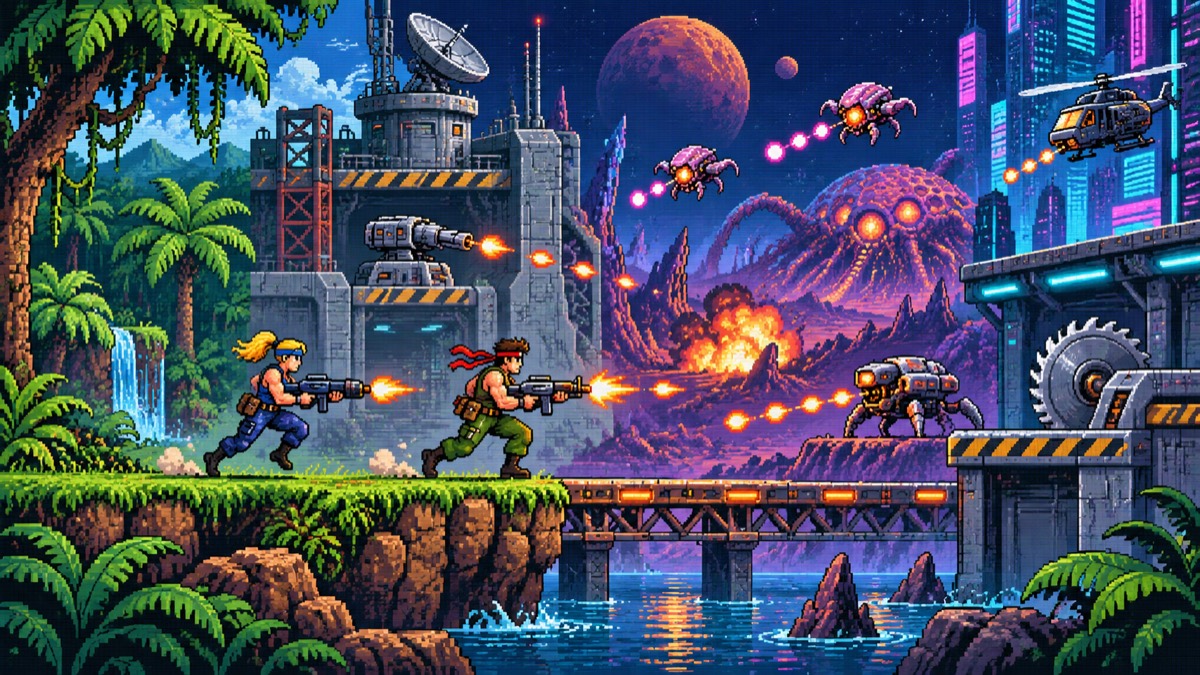
The best Contra game to start with depends on the kind of session you want. NES Contra is the clearest introduction to the series. Super Contra keeps the eight-bit format but changes the stages and challenge. Contra III: The Alien Wars is the faster 16-bit choice, while Contra: Hard Corps offers branching routes and a different Sega Genesis feel.
This comparison covers the versions currently linked from POKOPIE. Browser availability, control mappings and two-player support can change with the loaded player, so open each game page and test its current controls before beginning a serious run.
Start with NES Contra for the classic formula
The NES version is the easiest place to understand the basic Contra loop: move through side-scrolling and behind-the-back stages, avoid enemy fire, collect weapon upgrades and learn the position of repeated hazards. It is still demanding, but its structure makes it easier to identify why a run failed.
Open the reviewed NES Contra page:
https://pokopie.com/en/games/contra-nes-1988
Use this version when you want the most recognizable starting point, a shorter path into the series and a page with dedicated controls, version context and browser troubleshooting notes. Before choosing two-player mode, confirm that the current player exposes separate inputs for both players; the original game supporting two people does not guarantee that every browser setup does.
Choose Super Contra for another NES challenge
Super Contra is a separate NES entry, not a difficulty setting inside the first game. It keeps the run-and-gun focus while changing the stages, enemy patterns and overhead sections. Players who already understand the first game’s movement and weapon pickups can use it as the next eight-bit step.
Open Super Contra:
https://pokopie.com/en/games/super-contra-nes-1988
Check the title screen and player mapping before applying a guide written for NES Contra. Similar names do not mean that stage layouts, bosses or safe positions are interchangeable.
Pick Contra III for faster SNES action
Contra III: The Alien Wars is the 16-bit option in this group. It increases the visual intensity and uses mechanics associated with the Super Nintendo controller, so the browser mapping deserves attention before play. Verify every action button, Start and any shoulder-button function shown by the current player.
Open Contra III:
https://pokopie.com/en/games/contra-iii-the-alien-wars-snes-1992
Choose it when you want a more aggressive presentation and are comfortable learning a denser control layout. If the page scrolls when you press a direction, click inside the player again and reopen the controls menu.
Try Contra: Hard Corps for branching Genesis routes
Contra: Hard Corps is the Sega Genesis choice. Its playable characters and route choices make it less suitable as a direct substitute for the NES original, but more interesting when you want repeated runs with different paths.
Open Contra: Hard Corps:
https://pokopie.com/en/games/contra-hard-corps-genesis-1994
Use the Genesis collection to compare it with other browser games built around the same controller family:
https://pokopie.com/en/sega-genesis-games
Which Contra game should you play first?
Choose NES Contra if you are new to the series or want the most direct introduction. Move to Super Contra when you want another eight-bit game with different stage knowledge. Choose Contra III for 16-bit speed and a busier control scheme. Pick Hard Corps when characters and branching routes matter more than recreating the original NES experience.
Whichever version you choose, run a short input test first. Confirm movement, jump, fire, Start and pause. If you plan to play with another person, test each player independently and then press several inputs together; some keyboard combinations do not register reliably.
Sources and related guides
Konami’s official Contra anniversary page distinguishes the early arcade, Famicom and NES releases:
https://www.konami.com/games/50th/ac/contra/asia/en/
Read the same-device multiplayer setup guide:
https://pokopie.com/en/blog/two-player-browser-retro-games-guide
Review keyboard, controller and save basics before a longer session:
Related Posts
Nov 11, 2026
Geometry Dash Advance Controls, Levels and Practice Mode Guide
Learn how to check the GBA controls, enter practice mode, understand version-dependent levels and troubleshoot Geometry Dash Advance in a browser.
Oct 15, 2026
Two-Player Retro Games in a Browser: Local Co-op Setup Guide
Choose a two-player retro game, check both control mappings and distinguish same-device co-op from online play before starting a browser gaming session.
Oct 15, 2026
Browser Game Not Working? Fix Black Screens, Sound and Controls
Troubleshoot browser games step by step: distinguish loading from a frozen screen, restore audio, focus keyboard input and protect saves before resetting.
Oct 15, 2026
How to Solve Murdoku: A Beginner’s Deduction Guide
Learn Murdoku with an original worked example: record candidates, eliminate rows and columns, interpret beside clues and identify who was alone with the victim.