Retro
Guide-first discovery
The player can change independently. These guides help you check the version, controls, saves, and device limitations first.
Learn how input focus, browser storage, save methods, and player limitations affect a session.
Read guideCheck keyboard mapping, analog controls, and gamepad setup before opening a difficult game.
Read guideUse platform hubs to see explicit desktop-only flags and honest save-support caveats.
Read guideEditor picks
Puzzle spotlight
Use clues and Sudoku-style logic to place the suspects and find the killer. Learn the rules, then play in your browser.
Playable retro games
NES Arcade
 Arcade
 Arcade
 NES
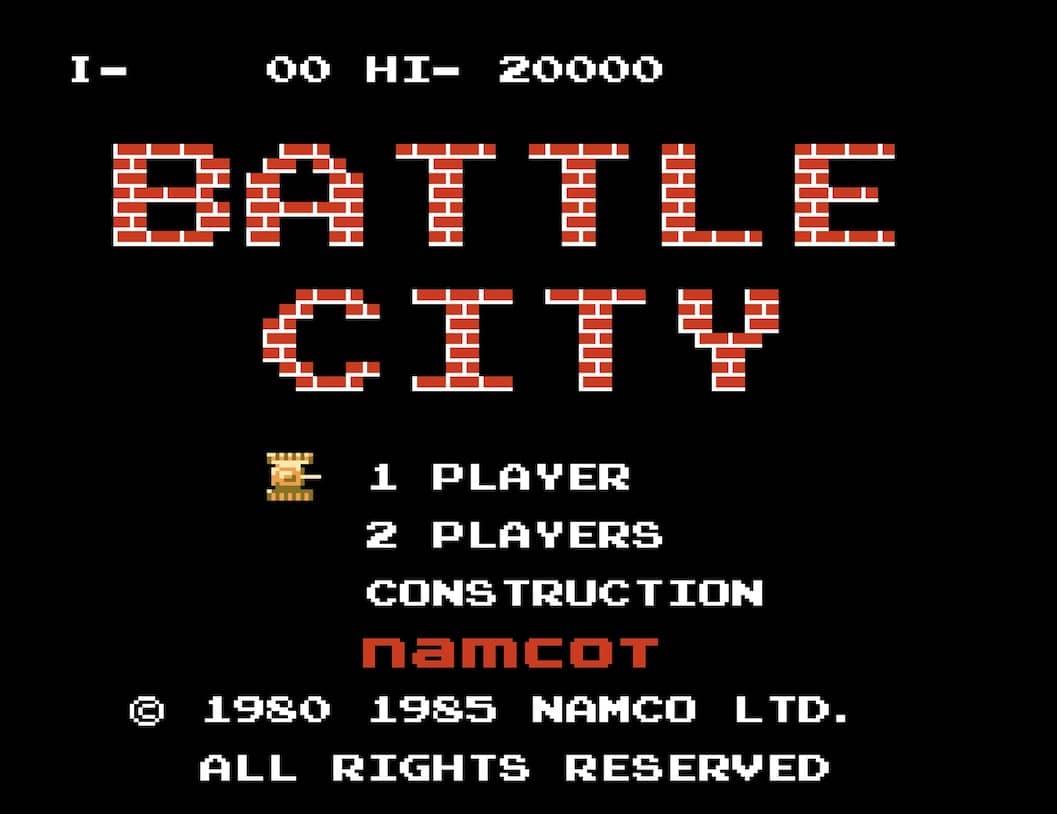 NES
 NES
Page 1 / 16
 PS1
 PS1
 PS1
 PS1
 PS1
 PS1
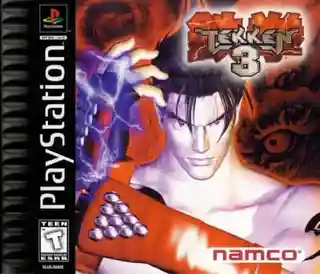 PS1
 PS1
POKOPIE Original
Change one letter at a time in a daily or unlimited word puzzle.
Flip cards and find all the matching pairs.
POKOPIE helps you choose the right game page before opening a browser player. Selected guides explain the exact release, original platform, controls, save limitations, device restrictions, and common loading problems using cited references where available. Platform hubs make it easier to compare NES, SNES, Game Boy Advance, PlayStation, Arcade, Sega Genesis, and Nintendo 64 games without assuming that every title works the same way. The game player and live availability are provided by GGEMU, while POKOPIE focuses on discovery, editorial guidance, compatibility context, and related resources.
Trending puzzle: Play Murdoku online and solve a Sudoku-style murder mystery in your browser.
Featured guide collection
Find source-checked creator codes, learn where to enter them and follow limited-time Creator Coffins event steps.
Read the latest game guides, browser play tips, and retro gaming articles.
Learn how to play online, find games, filter by platform, and contact us about content issues.
Yes. Open a game detail page and click play to start the game directly in your browser, with no emulator setup required.
No. Open a game detail page and start playing directly in the browser without installing extra software.
The library supports Game Boy Advance (GBA), Game Boy, Game Boy Color (GBC), Nintendo DS (NDS), NES / Famicom, SNES / Super Famicom, Nintendo 64 (N64), PlayStation / PS1, Sega Genesis / Genesis, Master System, Sega CD, Neo Geo, Atari, Arcade, MS-DOS / DOS, HTML5, Flash, Java, and more. You can also filter by platform.
We provide broad device support for most mainstream smart devices, including iOS, Android, iPad, Mac, and Windows. Most modern browsers are supported, but we recommend Chrome for the most stable gameplay experience.
Try searching with the English title, series name, platform name, or shorter keywords. Some games may use regional names.
Rights holders can request a review or removal through our copyright process or by contacting hughhao7@gmail.com. We review sufficiently detailed notices and restrict disputed content when appropriate.