Retro
Cube Escape: The Mill

Overview

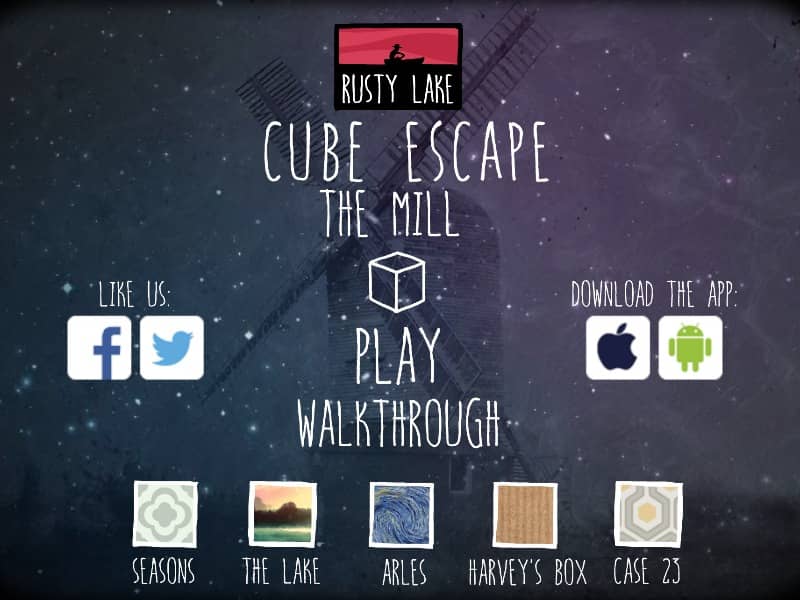
Cube Escape: The Mill is a surreal point-and-click adventure and the sixth entry in the Cube Escape series, where players take on the role of Mr. Crow to process memories in a mysterious mill.

Released in 2015 for FLASH and developed by RUSTY LAKE, Cube Escape: The Mill is built around its original console experience. It is part of the Puzzle genres.

You can launch Cube Escape: The Mill directly in your browser without downloading a separate game client. Read the guide below before playing, then adjust the keyboard or controller settings for your device.

Playable in browserNo download requiredFLASH

Languages:English

Cube Escape: The Mill

Cube Escape: The Mill is a surreal point-and-click adventure and the sixth entry in the Cube Escape series, where players take on the role of Mr. Crow to process memories in a mysterious mill.

Play Now

Opens the game player in a new browser tab.

Plays
14
Views
109

How to Play

Players navigate the interior of the mill by clicking on the edges of the screen to rotate their view or move between different floors. The primary objective is to interact with the environment to find hidden items, solve mechanical puzzles, and follow a specific sequence of events to extract memories from a body. Use the mouse to click on objects to pick them up, then select them from the inventory sidebar to apply them to interactive elements in the room, such as the stove, the water wheel, or the telescope.

Success requires keen observation and the ability to connect abstract clues found in letters, drawings, and the environment. In the early stages, focus on collecting basic resources like wood and matches to power the mill's machinery. As you progress, the puzzles become more complex, requiring you to decipher codes and manipulate time. Pay close attention to the telephone and the telescope for hints that drive the narrative forward and reveal the next steps in the extraction process.

Browser controls and troubleshooting

If the keyboard does not respond, click the game screen first and check the actual key mappings in the player controls. Arrow keys scrolling the page can mean the game does not have input focus.

On a phone, check whether the player provides touch buttons. Try landscape or fullscreen if the controls are too small. After connecting a gamepad, press a button with the game focused and check whether the player recognizes it.

For a black screen or a stalled load, wait briefly before using Reload player or Browse games in the embedded player or play page. Reloading restarts the player and may lose unsaved progress. If no save option is available, do not rely on refreshing to preserve progress.

Related Games

FAQ

Can I play Cube Escape: The Mill online?

Yes. You can play Cube Escape: The Mill directly in your browser. Open the game page and click play to start without setting up an emulator first.

Do I need to download anything to play Cube Escape: The Mill?

No. Cube Escape: The Mill is available as a no-download browser game, so you can start playing without installing extra software or downloading files.

What platform or genre is Cube Escape: The Mill?

Cube Escape: The Mill is a FLASH game in the Puzzle category. You can use the platform, genre, and related games sections to find similar titles.

What devices can run Cube Escape: The Mill?

Cube Escape: The Mill usually works in modern browsers on desktop, tablet, and mobile devices. For the most stable gameplay experience, use Chrome or another mainstream browser.

Who developed Cube Escape: The Mill?

Cube Escape: The Mill is listed with developer information for RUSTY LAKE. You can also browse related games from the same developer or genre.