

Richman 3
Playable in browserNo download requiredDOS

Languages:繁體中文

Play Richman 3 Online

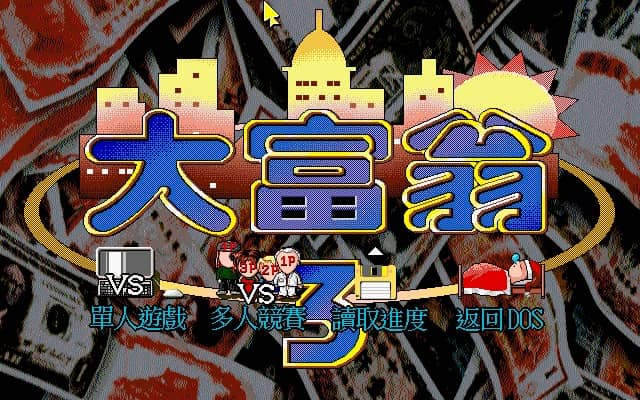
Richman 3 is Softstar’s 1996 DOS property board game. Manage money, acquire useful spaces and respond to cards and events while trying to remain solvent longer than your rivals.

Plays
369
Views
813

Play Richman 3 in Your Browser

Play Softstar’s Richman 3 in your browser. Upgrade properties, time your card plays and keep cash for unexpected tolls. Check the DOS controls before you start.

Open game page
Play Richman 3 in Your BrowserLoading game player…
Controls

Check the player controls for key mappings. Save and restore support depends on the game and player; reloading may lose unsaved progress.

When Play Now appears: 1. Select Play Now. 2. Select Start inside the game player.

Browse games

Related Games

Overview

The third main entry continues the series’ mix of dice movement, property development and disruptive items. Decisions are partly strategic and partly shaped by the board, so a flexible cash reserve often matters more than a perfect plan.

This page covers the DOS-era Richman 3, originally 大富翁3. Do not assume its maps, cards or controls match Richman 2, Richman 4 or current mobile adaptations.

How to Play

Review the DOS controls and match settings, then identify which spaces can be purchased or improved. Read card descriptions before using a limited item.

Balance property spending against near-term risk. A valuable upgrade can increase future income, but it can also leave too little cash for tolls or unexpected costs.

Track opponent positions and inventories. Use cards when they alter an important landing or protect you from a costly section, rather than spending them immediately.

Game references

Browser controls and troubleshooting

If the keyboard does not respond, click the game screen first and check the actual key mappings in the player controls. Arrow keys scrolling the page can mean the game does not have input focus.

On a phone, check whether the player provides touch buttons. Try landscape or fullscreen if the controls are too small. After connecting a gamepad, press a button with the game focused and check whether the player recognizes it.

For a black screen or a stalled load, wait briefly before using Reload player or Browse games in the embedded player or play page. Reloading restarts the player and may lose unsaved progress. If no save option is available, do not rely on refreshing to preserve progress.

Playing ROMs in a browser

Review controls, save methods, browser storage and platform limitations before starting a long session.

Read the browser ROM guide

FAQ

When was Richman 3 released?

Softstar’s official timeline lists Richman 3 in March 1996.

Who made Richman 3?

Softstar Entertainment developed the original DOS game.

Does this page cover Richman 4?

No. This is Richman 3 for DOS; later entries use different maps, presentation and systems.