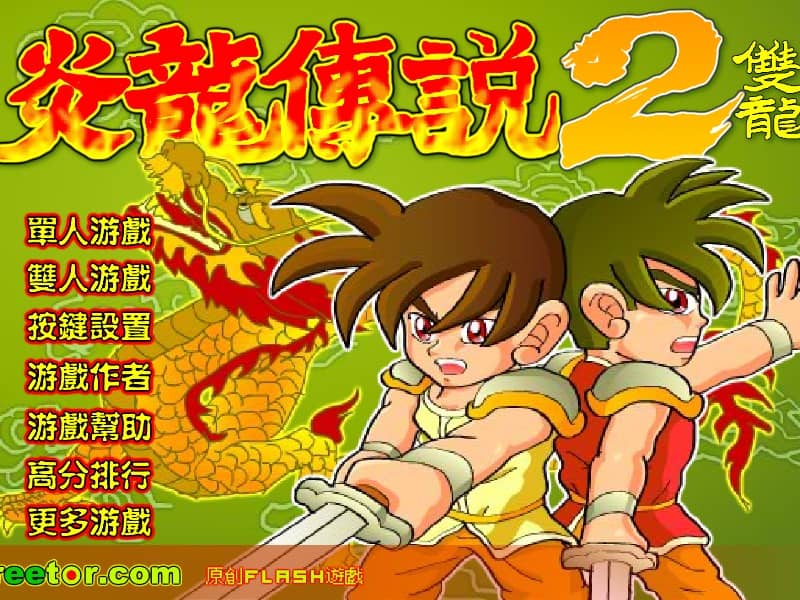
Yan Loong Legend 2: The Double Dragon
Playable in browserNo download requiredFLASH

Languages:简体中文

Play Yan Loong Legend 2: The Double Dragon Online

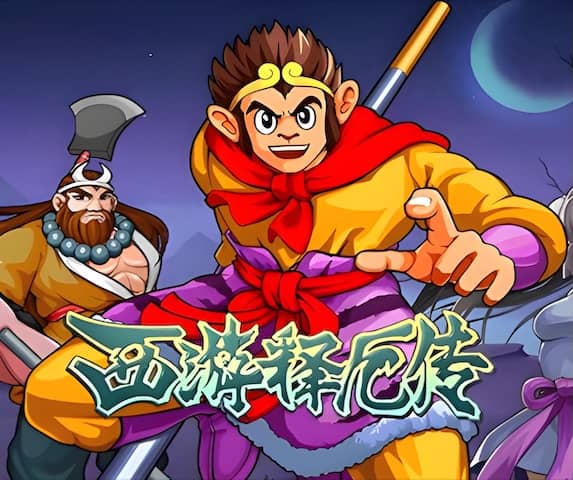
Yan Loong Legend 2: The Double Dragon is the Creetor series version that introduced local two-player play. Two players can share the keyboard and fight through the side-scrolling stages together.

Plays
10
Views
197

Play Yan Loong Legend 2: The Double Dragon in Your Browser

Play Yan Loong Legend 2: The Double Dragon online. Use local two-player controls to fight through Creetor’s combo-driven Flash adventure together.

Open game page
Play Yan Loong Legend 2: The Double Dragon in Your BrowserLoading game player…
Controls

Check the player controls for key mappings. Save and restore support depends on the game and player; reloading may lose unsaved progress.

When Play Now appears: 1. Select Play Now. 2. Select Start inside the game player.

Browse games

Related Games

Overview

The Double Dragon builds on the series’ combo combat, leveling and qigong skills with same-device cooperation. Creetor’s official collection explicitly identifies this version as the point where two-player mode began.

Local co-op does not mean internet multiplayer. The browser player must expose both sets of controls, and some keyboards may have trouble registering several simultaneous keys.

How to Play

Check both players’ mappings before starting and make sure each side can move, attack and jump. If several keys fail together, change the mapping or use compatible controllers if the player supports them.

Stay close enough to support one another without stacking both characters in the same enemy attack. One player can hold a group’s attention while the other approaches from a safer angle.

Share recovery items according to current health and preserve strong skills for crowded encounters. Coordinate movement before advancing the screen.

Game references

Browser controls and troubleshooting

If the keyboard does not respond, click the game screen first and check the actual key mappings in the player controls. Arrow keys scrolling the page can mean the game does not have input focus.

On a phone, check whether the player provides touch buttons. Try landscape or fullscreen if the controls are too small. After connecting a gamepad, press a button with the game focused and check whether the player recognizes it.

For a black screen or a stalled load, wait briefly before using Reload player or Browse games in the embedded player or play page. Reloading restarts the player and may lose unsaved progress. If no save option is available, do not rely on refreshing to preserve progress.

Playing ROMs in a browser

Review controls, save methods, browser storage and platform limitations before starting a long session.

Read the browser ROM guide

FAQ

Which Yan Loong Legend version first added two-player mode?

Creetor’s official collection identifies The Double Dragon as the first version with two-player mode.

Can two people play online together?

The original feature is local two-player play. Internet co-op is not implied unless the browser wrapper separately provides remote-play support.

Who made The Double Dragon?

Creetor developed the Yan Loong Legend series and publishes its official collection.