
Chinese Mahjong
Playable in browserNo download requiredHTML5

Languages:English

Play Chinese Mahjong Online

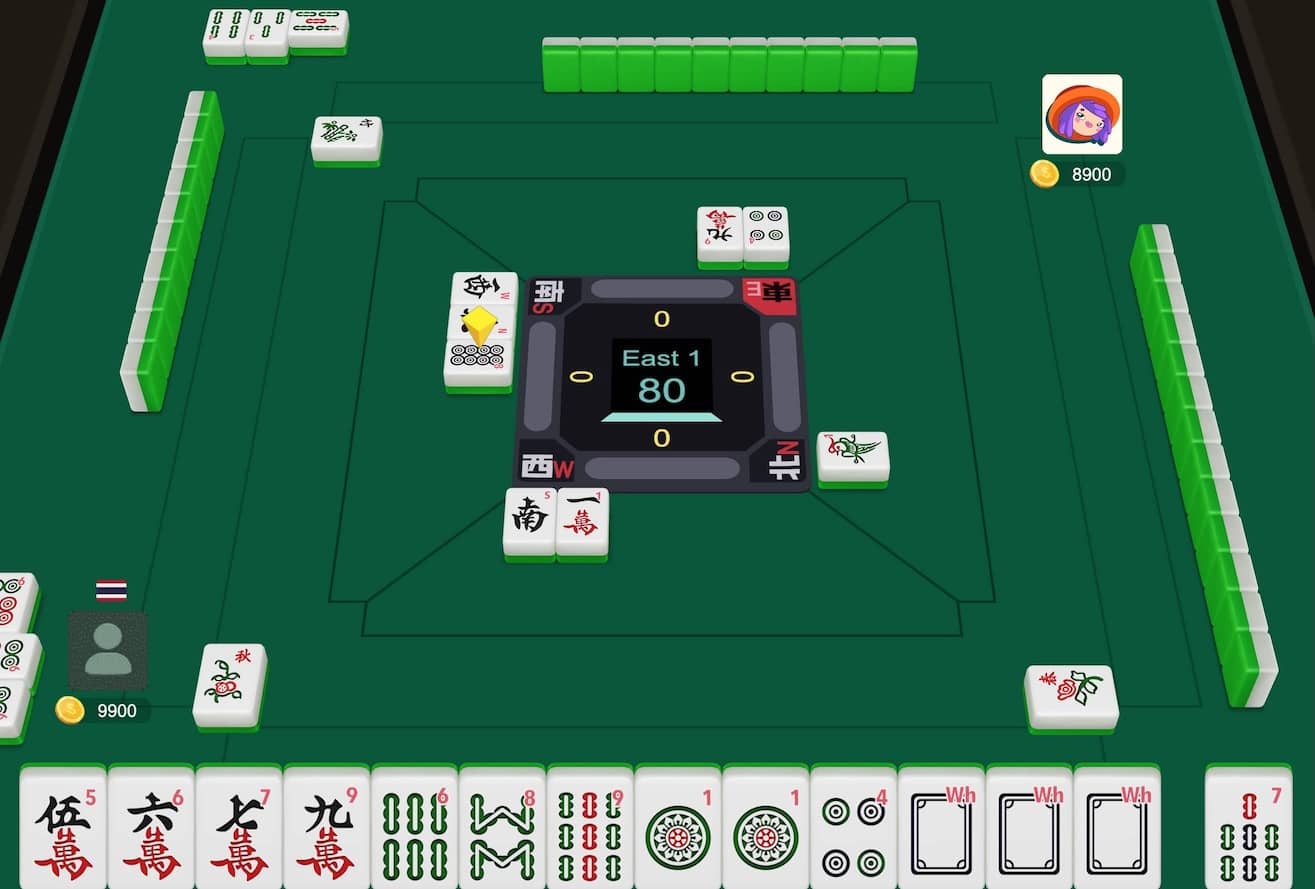
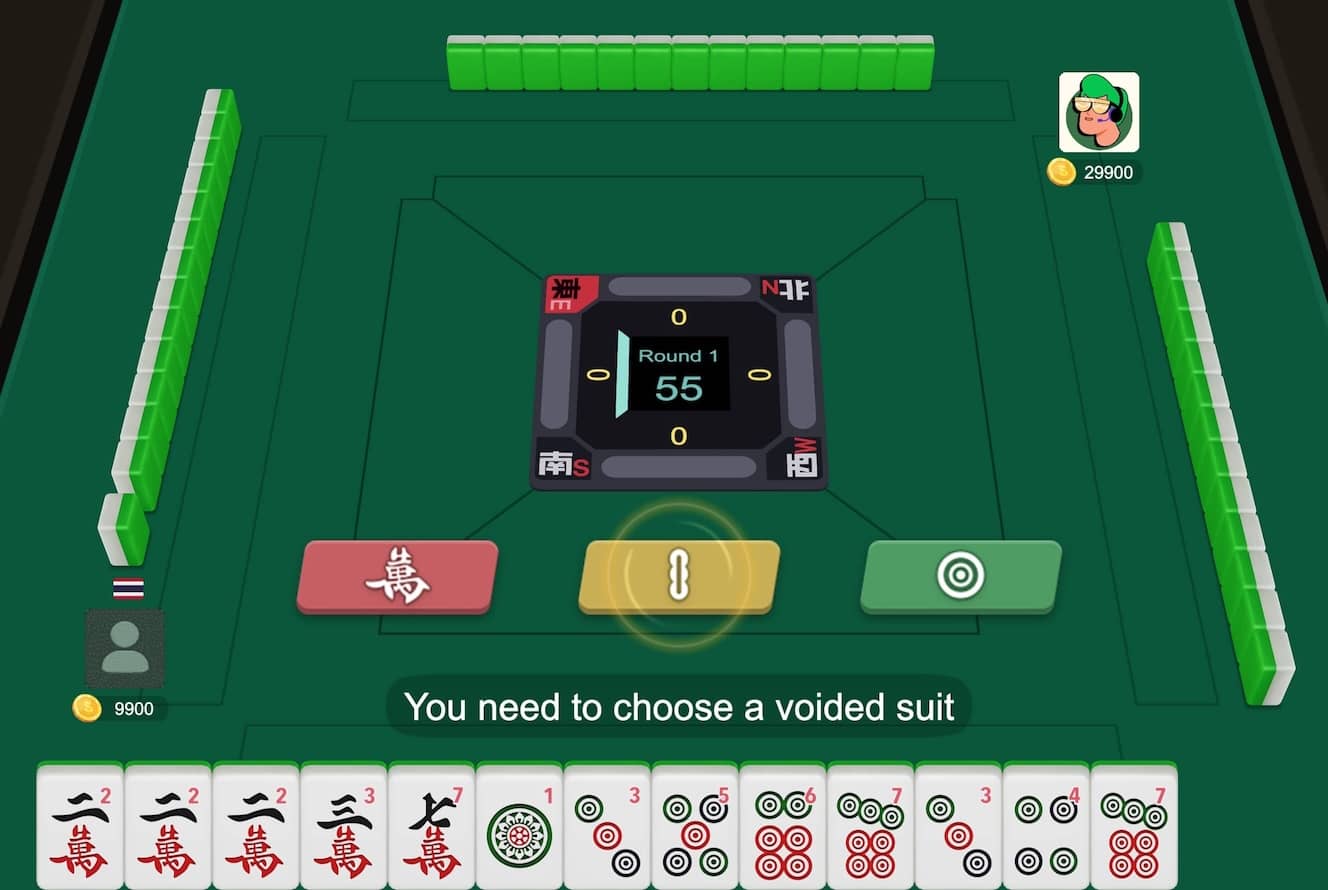
Chinese Mahjong is a four-player tile game built around drawing, discarding and completing a legal hand. Check this HTML5 build’s scoring screen before treating it as Mahjong Competition Rules.

Plays
160
Views
403

Play Chinese Mahjong in Your Browser

Play Chinese Mahjong online. Learn the draw-and-discard flow, build four groups and a pair, and check which scoring rules the HTML5 game uses.

Open game page
Play Chinese Mahjong in Your BrowserLoading game player…
Controls

Check the player controls for key mappings. Save and restore support depends on the game and player; reloading may lose unsaved progress.

When Play Now appears: 1. Select Play Now. 2. Select Start inside the game player.

Browse games

Related Games

Overview

A common hand structure is four groups and a pair, with groups formed from sequences, triplets or quads. Flowers, special hands and the points needed to win depend on the selected rules.

The previous English name, “Chinese Standard Mahjong,” implied a verified implementation of the formal competition rules. That was not supported by the catalog record, so the name is now the more accurate “Chinese Mahjong.” Full Mahjong Competition Rules use 81 scoring elements and an eight-point minimum; only apply those details if the loaded game explicitly identifies that ruleset.

How to Play

Read the rules or scoring panel before the first hand. Confirm whether the game uses competition rules, a regional Chinese variant or a simplified house system.

Draw one tile and discard one while building four groups and a pair. Claim a discard only when the rules allow it and when exposing the group helps more than keeping the hand concealed.

Before declaring a win, check both the tile structure and any minimum-score requirement. Do not assume patterns learned from Hong Kong, Sichuan, Taiwanese or Japanese mahjong have the same value here.

Game references

Browser controls and troubleshooting

If the keyboard does not respond, click the game screen first and check the actual key mappings in the player controls. Arrow keys scrolling the page can mean the game does not have input focus.

On a phone, check whether the player provides touch buttons. Try landscape or fullscreen if the controls are too small. After connecting a gamepad, press a button with the game focused and check whether the player recognizes it.

For a black screen or a stalled load, wait briefly before using Reload player or Browse games in the embedded player or play page. Reloading restarts the player and may lose unsaved progress. If no save option is available, do not rely on refreshing to preserve progress.

Related guide

Learn how browser controls, compatibility, and local saves can vary between web games.

Read: Browser Retro Gaming Guide

FAQ

Is this Chinese Official Mahjong?

That is not established by the catalog data. Use the loaded rules screen to confirm whether it implements Mahjong Competition Rules.

What does Mahjong Competition Rules require?

The formal competition system uses 81 scoring elements and requires at least eight points for a legal win.

Why was “Standard” removed from the English title?

The generic HTML5 catalog entry did not prove compliance with the formal competition rules, so the broader title avoids a misleading promise.