
The Legend of Sword and Fairy
Playable in browserNo download requiredDOS

Languages:繁體中文

Play The Legend of Sword and Fairy Online

The Legend of Sword and Fairy is Softstar’s 1995 DOS role-playing game. Follow Li Xiaoyao on a Chinese fantasy journey shaped by swordplay, mythology and the companions Zhao Ling’er, Lin Yueru and Anu.

Plays
510
Views
944

Play The Legend of Sword and Fairy in Your Browser

Play the original Legend of Sword and Fairy online. Follow Li Xiaoyao through Softstar’s 1995 Chinese fantasy RPG and check the DOS gameplay guide.

Open game page
Play The Legend of Sword and Fairy in Your BrowserLoading game player…
Controls

Check the player controls for key mappings. Save and restore support depends on the game and player; reloading may lose unsaved progress.

When Play Now appears: 1. Select Play Now. 2. Select Start inside the game player.

Browse games

Related Games

Overview

Originally released as 仙劍奇俠傳, the game combines menu-based battles and world exploration with a story about Li Xiaoyao’s relationships and responsibilities. This page covers the original DOS-era game, not a later remake, television adaptation or mobile title.

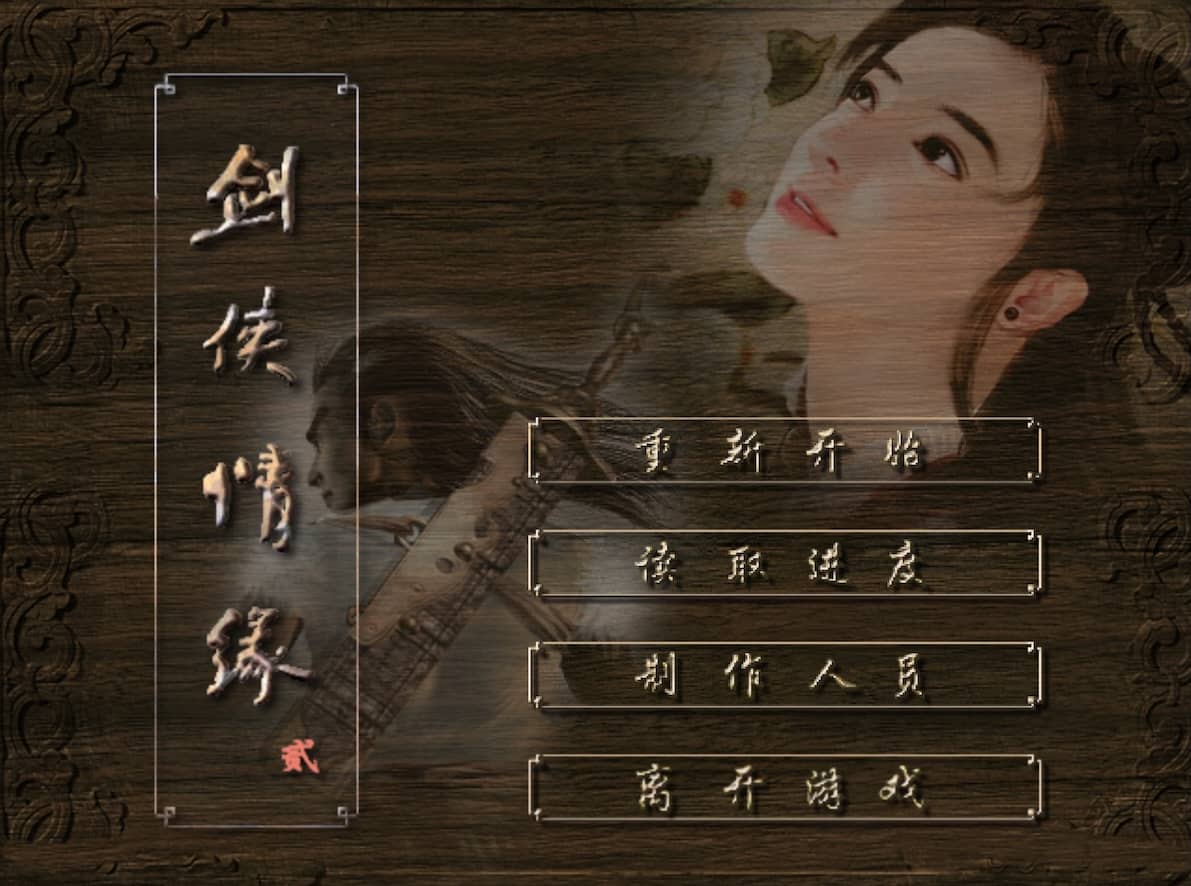
The loaded version may use Traditional or Simplified Chinese and may differ from later Windows releases. Check the title screen before choosing a walkthrough, because maps, presentation and save compatibility can vary between editions.

How to Play

Review the DOS player’s keyboard mapping, then explore towns and field areas while speaking with characters and inspecting nearby objects. Dialogue often provides the next destination.

In battle, balance normal attacks, techniques and recovery items. Check equipment and party status before entering caves or other areas with repeated encounters.

Save in several slots and note the current location or objective. Use a guide written for the DOS edition if you need help, rather than assuming instructions for a remake will match.

Game references

Browser controls and troubleshooting

If the keyboard does not respond, click the game screen first and check the actual key mappings in the player controls. Arrow keys scrolling the page can mean the game does not have input focus.

On a phone, check whether the player provides touch buttons. Try landscape or fullscreen if the controls are too small. After connecting a gamepad, press a button with the game focused and check whether the player recognizes it.

For a black screen or a stalled load, wait briefly before using Reload player or Browse games in the embedded player or play page. Reloading restarts the player and may lose unsaved progress. If no save option is available, do not rely on refreshing to preserve progress.

Playing ROMs in a browser

Review controls, save methods, browser storage and platform limitations before starting a long session.

Read the browser ROM guide

FAQ

Is this the original Legend of Sword and Fairy?

This page is for the 1995 DOS game, originally titled 仙劍奇俠傳. It is not one of the later remakes or mobile adaptations.

Who made The Legend of Sword and Fairy?

Softstar Entertainment released the original game in 1995.

Does the DOS game have an official English version?

The original release is a Chinese-language RPG. The English page title identifies the game, but it does not mean the loaded build contains an official English localization.