Desktop controls
Focus the game before using the default keyboard mapping.
W/A/S/D · K: A · J: B · Enter: StartPokémon Emerald
Game guide
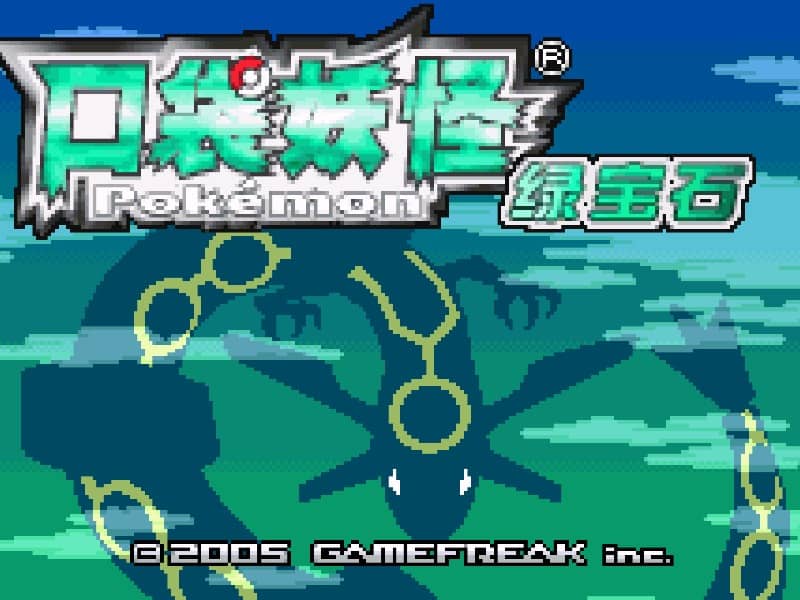
Languages:繁體中文
Play Pokémon Emerald in your browser. Check the listed game language before starting: the version tested on POKOPIE uses Traditional Chinese text.
Play Pokémon Emerald online in your browser. Explore Hoenn, challenge its Gym Leaders, encounter legendary Pokémon, and reach the Battle Frontier.
Startup and basic input checked on October 4, 2026. Game language is independent of website language.
Focus the game before using the default keyboard mapping.
W/A/S/D · K: A · J: B · Enter: StartUse the on-screen directional pad and A/B buttons; briefly hold a button if a quick tap does not register.
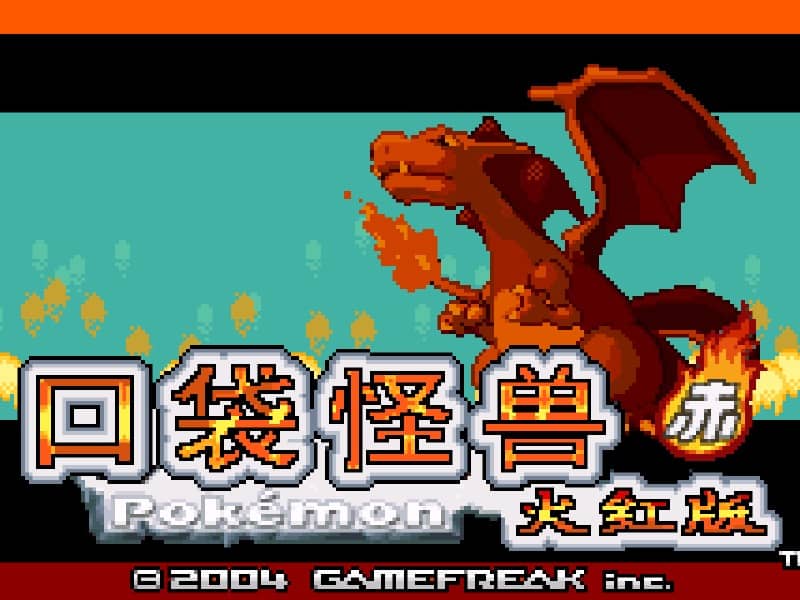
The tested version uses Traditional Chinese. Check the current language label above the play button.
Use the game or player save menu and check how browser storage works before clearing site data.
This page launches the Game Boy Advance entry in the browser player. The English website interface does not change the language inside the game. Refer to the language shown beside the play button for the catalog version.
Browser checks on October 4, 2026 reached the new-game introduction using desktop keyboard and mobile touch controls. These checks confirm starting and basic input, rather than completion of the adventure or multiplayer support.
Click Play Now on this page. If the player shows another Play Now button, select it and then select Start when available. After the title sequence, use Start to open the game menu.
On the default desktop mapping, use W/A/S/D for directions, K for A (confirm), J for B (cancel), and Enter for Start. Click inside the game before pressing keys; customized bindings may differ.
On a phone, use the directional pad and A/B buttons. Press and briefly hold a button if a quick tap is not registered. Check the player controls menu if a button behaves differently.
For saving, distinguish the game’s own save command from a player save state. Read the browser-save guide linked below before relying on progress surviving a browser reset. Export a backup if the loaded player offers that option.
If the keyboard does not respond, click the game screen first and check the actual key mappings in the player controls. Arrow keys scrolling the page can mean the game does not have input focus.
On a phone, check whether the player provides touch buttons. Try landscape or fullscreen if the controls are too small. After connecting a gamepad, press a button with the game focused and check whether the player recognizes it.
For a black screen or a stalled load, wait briefly before using Reload player or Browse games in the embedded player or play page. Reloading restarts the player and may lose unsaved progress. If no save option is available, do not rely on refreshing to preserve progress.
Understand the difference between in-game saves, save states, and browser storage.
Read: How Browser Game Saves WorkReview controls, save methods, browser storage and platform limitations before starting a long session.
Read the browser ROM guideThe version tested on POKOPIE uses Traditional Chinese. The website language and the game language are separate; check the current language label before playing.
W/A/S/D control directions, K maps to A, J maps to B, and Enter maps to Start. Focus the game first and check the player menu if bindings have been customized.
No. The browser checks covered startup and basic input, not trading or multiplayer.
Let other websites place this playable game on their page with a backlink to POKOPIE.