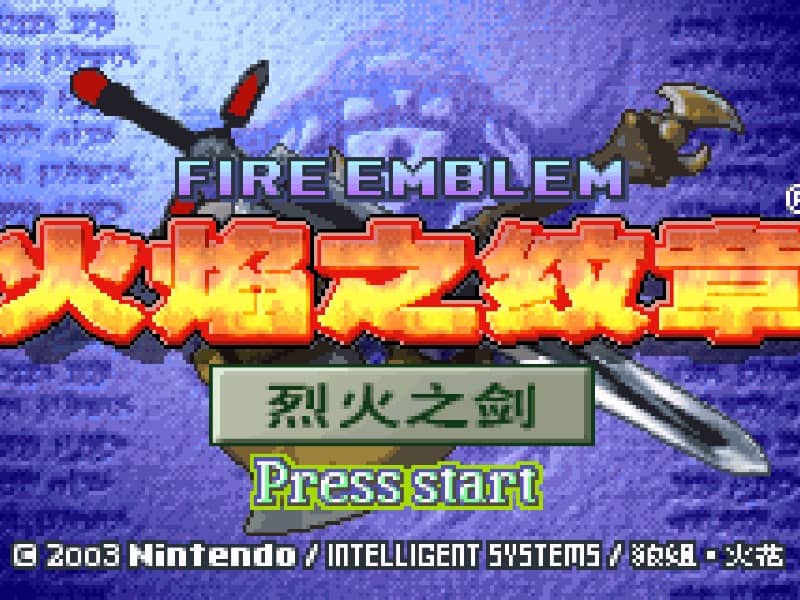

Fire Emblem: The Blazing Blade
Playable in browserNo download requiredGame Boy Advance

Languages:简体中文

Play Fire Emblem: The Blazing Blade Online

Fire Emblem: The Blazing Blade is a turn-based tactical RPG set on the continent of Elibe. Direct Lyn, Eliwood, Hector and their allies across grid-based battles.

Plays
70
Views
217

Play Fire Emblem: The Blazing Blade in Your Browser

Play Fire Emblem: The Blazing Blade online. Lead Lyn, Eliwood and Hector through tactical GBA battles across the continent of Elibe.

Open game page
Play Fire Emblem: The Blazing Blade in Your BrowserLoading game player…
Controls

Check the player controls for key mappings. Save and restore support depends on the game and player; reloading may lose unsaved progress.

When Play Now appears: 1. Select Play Now. 2. Select Start inside the game player.

Browse games

Related Games

Overview

Each chapter places a limited group of units on a tactical map with an objective such as defeating a commander, protecting a position or reaching a destination. Character classes, weapons, terrain and support relationships affect how safely the army can advance.

The game first introduces its systems through Lyn’s story before continuing with Eliwood and Hector. Nintendo identifies it as the first Fire Emblem installment released outside Japan.

How to Play

Check the browser player’s GBA controls, then select a unit and choose where it should move. Review enemy movement and attack ranges before confirming an action.

Match weapons carefully: swords are effective against axes, axes against lances, and lances against swords. Bows attack at range, while magic uses its own strengths and resistances.

Protect vulnerable units and keep recovery options nearby. A defeated character may be lost for the rest of the campaign, so save only when you are comfortable with the current result.

Game references

Browser controls and troubleshooting

If the keyboard does not respond, click the game screen first and check the actual key mappings in the player controls. Arrow keys scrolling the page can mean the game does not have input focus.

On a phone, check whether the player provides touch buttons. Try landscape or fullscreen if the controls are too small. After connecting a gamepad, press a button with the game focused and check whether the player recognizes it.

For a black screen or a stalled load, wait briefly before using Reload player or Browse games in the embedded player or play page. Reloading restarts the player and may lose unsaved progress. If no save option is available, do not rely on refreshing to preserve progress.

Related guide

Understand the difference between in-game saves, save states, and browser storage.

Read: How Browser Game Saves Work

Playing ROMs in a browser

Review controls, save methods, browser storage and platform limitations before starting a long session.

Read the browser ROM guide

FAQ

Is Fire Emblem: The Blazing Blade the same as Fire Emblem on GBA?

Yes. Nintendo says the Game Boy Advance release titled Fire Emblem is also known as Fire Emblem: The Blazing Blade.

Who are the main characters?

The story follows Lyn, Eliwood and Hector, with each leading or supporting the army during different parts of the campaign.

What happens when a unit is defeated?

The original game uses permanent character loss for most units. Treat exposed positions carefully and verify the loaded game’s difficulty and save options.