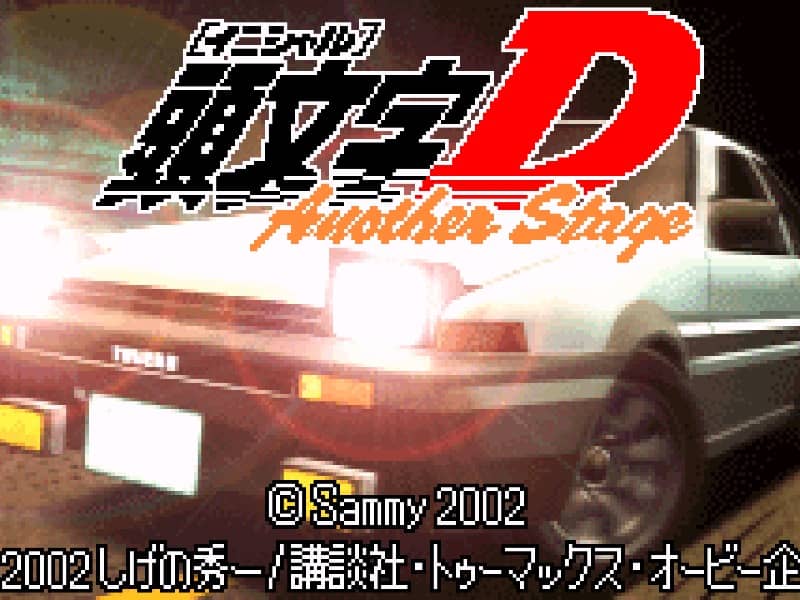
Initial D

Overview

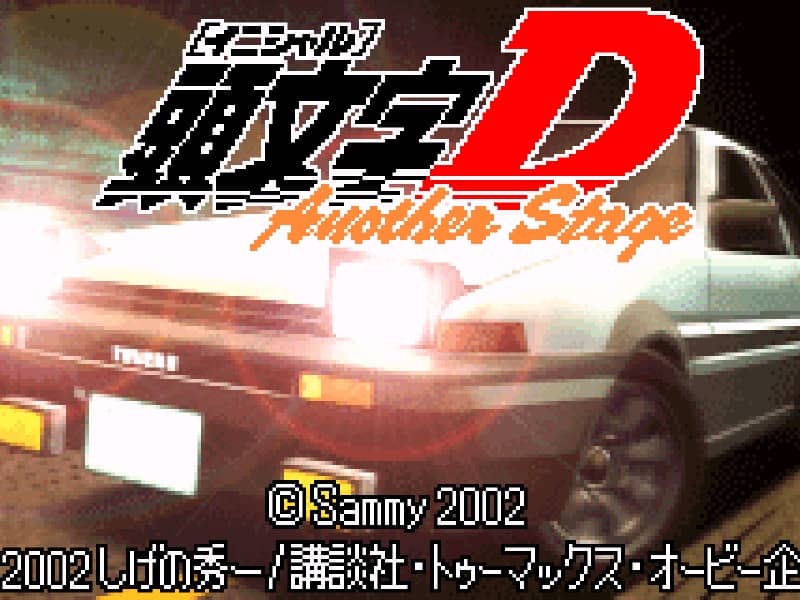
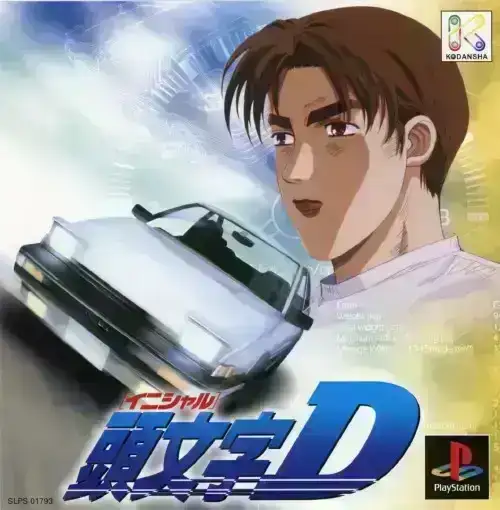
A racing game based on the popular Initial D manga and anime series, featuring downhill mountain pass racing with drift mechanics on the PlayStation 1.

Released in 1999 for PlayStation 1 and developed by SEGA, Initial D is built around its original console experience. It is part of the Racing genres.

You can launch Initial D directly in your browser without downloading a separate game client. Read the guide below before playing, then adjust the keyboard or controller settings for your device.

Playable in browserNo download requiredPlayStation 1

Languages:English

Initial D

A racing game based on the popular Initial D manga and anime series, featuring downhill mountain pass racing with drift mechanics on the PlayStation 1.

Play Now

Opens the game player in a new browser tab.

Plays
394
Views
695

Related Games

How to Play

Initial D on PlayStation 1 is a racing game focused on downhill mountain pass battles. Your objective is to defeat opponents in one-on-one races while maintaining control of your car through tight corners.

The core gameplay involves mastering the drift mechanic to maintain speed through turns without crashing. Use the accelerator and brake strategically to initiate drifts, and steer into turns while controlling your slide.

In the early stages, focus on learning the racing lines of each course and practicing drift timing. As you progress, you'll need to manage your car's condition and choose when to push for overtakes versus maintaining position.

During tense moments, balance aggressive driving with control to avoid spinning out or hitting barriers. The game features a story mode following the anime's plot, where you'll upgrade your car and face increasingly challenging opponents on famous mountain passes like Akina and Akagi.

Success requires precise cornering, understanding each car's handling characteristics, and knowing when to use nitrous boost for strategic advantages.

Browser controls and troubleshooting

If the keyboard does not respond, click the game screen first and check the actual key mappings in the player controls. Arrow keys scrolling the page can mean the game does not have input focus.

On a phone, check whether the player provides touch buttons. Try landscape or fullscreen if the controls are too small. After connecting a gamepad, press a button with the game focused and check whether the player recognizes it.

For a black screen or a stalled load, wait briefly before using Reload player or Browse games in the embedded player or play page. Reloading restarts the player and may lose unsaved progress. If no save option is available, do not rely on refreshing to preserve progress.

Related guide

Compare PlayStation 1 with NES, GBA, and Nintendo 64 before choosing your next browser game.

Read: Retro Platform Comparison

Playing ROMs in a browser

Review controls, save methods, browser storage and platform limitations before starting a long session.

Read the browser ROM guide

FAQ

Can I play Initial D online?

Yes. You can play Initial D directly in your browser. Open the game page and click play to start without setting up an emulator first.

Do I need to download anything to play Initial D?

No. Initial D is available as a no-download browser game, so you can start playing without installing extra software or downloading files.

What platform or genre is Initial D?

Initial D is a PlayStation 1 game in the Racing category. You can use the platform, genre, and related games sections to find similar titles.

What devices can run Initial D?

Mobile compatibility and touch controls depend on the game and player. Check the controls shown after Initial D starts.

Who developed Initial D?

Initial D is listed with developer information for SEGA. You can also browse related games from the same developer or genre.