Retro
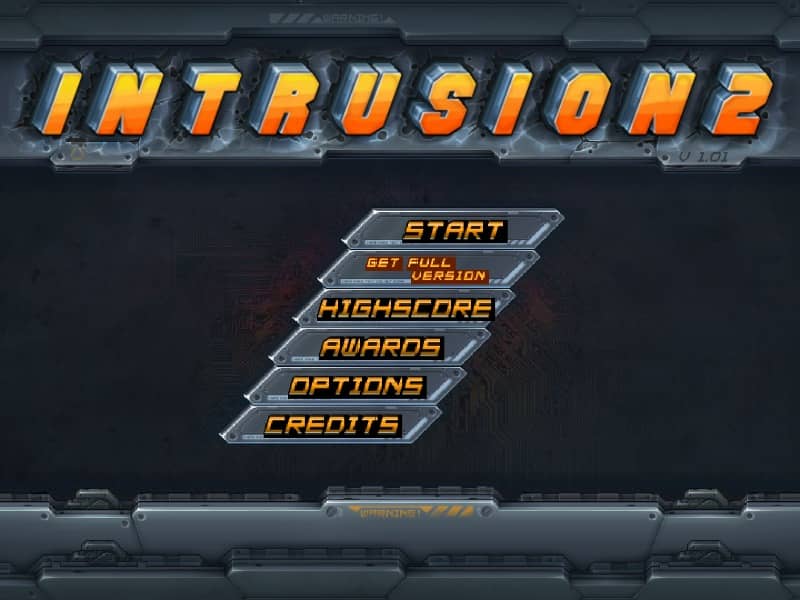
Intrusion 2

Overview

Intrusion 2 is a physics-based 2D side-scrolling action shoot 'em up where players battle a futuristic military corporation across snow-covered mountains, utilizing an interactive environment and a variety of weapons.

Released in 2012 for FLASH and developed by ALEKSEY RYBNIKOV, Intrusion 2 is built around its original console experience. It is part of the Action genres.

You can launch Intrusion 2 directly in your browser without downloading a separate game client. Read the guide below before playing, then adjust the keyboard or controller settings for your device.

Playable in browserNo download requiredFLASH

Languages:English

Intrusion 2

Intrusion 2 is a physics-based 2D side-scrolling action shoot 'em up where players battle a futuristic military corporation across snow-covered mountains, utilizing an interactive environment and a variety of weapons.

Play Now

Opens the game player in a new browser tab.

Plays
3
Views
96

How to Play

Control the protagonist using the keyboard for movement and the mouse to aim and shoot. Navigate through the snowy, mountainous terrain by running, jumping, and climbing. Utilize the game's realistic physics engine to push obstacles, ride snowballs, or use fallen debris as shields against incoming enemy fire. Switch between different weapons like pistols, submachine guns, and plasma rifles to deal with various enemy types, from foot soldiers to giant mechanical bosses.

Focus on maintaining mobility to dodge enemy projectiles and environmental hazards. In intense combat scenarios, grab onto enemy mechs or ride giant wolves to gain a tactical advantage. Keep an eye on your health and shield indicators, and collect weapon drops and health packs scattered throughout the levels to survive the escalating difficulty of the enemy forces.

Browser controls and troubleshooting

If the keyboard does not respond, click the game screen first and check the actual key mappings in the player controls. Arrow keys scrolling the page can mean the game does not have input focus.

On a phone, check whether the player provides touch buttons. Try landscape or fullscreen if the controls are too small. After connecting a gamepad, press a button with the game focused and check whether the player recognizes it.

For a black screen or a stalled load, wait briefly before using Reload player or Browse games in the embedded player or play page. Reloading restarts the player and may lose unsaved progress. If no save option is available, do not rely on refreshing to preserve progress.

Related Games

FAQ

Can I play Intrusion 2 online?

Yes. You can play Intrusion 2 directly in your browser. Open the game page and click play to start without setting up an emulator first.

Do I need to download anything to play Intrusion 2?

No. Intrusion 2 is available as a no-download browser game, so you can start playing without installing extra software or downloading files.

What platform or genre is Intrusion 2?

Intrusion 2 is a FLASH game in the Action category. You can use the platform, genre, and related games sections to find similar titles.

What devices can run Intrusion 2?

Intrusion 2 usually works in modern browsers on desktop, tablet, and mobile devices. For the most stable gameplay experience, use Chrome or another mainstream browser.

Who developed Intrusion 2?

Intrusion 2 is listed with developer information for ALEKSEY RYBNIKOV. You can also browse related games from the same developer or genre.