Retro
MUGEN

Overview

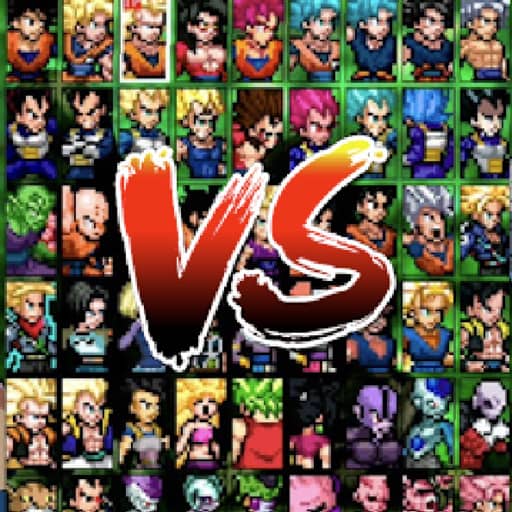
M.U.G.E.N is a 2D fighting game engine created by Elecbyte that allows users to create custom characters, stages, and game modes, enabling massive crossover battles between various video game and anime universes.

Released in 1999 for HTML5 and developed by ELECBYTE, MUGEN is built around its original console experience. It is part of the Action genres.

You can launch MUGEN directly in your browser without downloading a separate game client. Read the guide below before playing, then adjust the keyboard or controller settings for your device.


Playable in browserNo download requiredHTML5

Languages:English

MUGEN

M.U.G.E.N is a 2D fighting game engine created by Elecbyte that allows users to create custom characters, stages, and game modes, enabling massive crossover battles between various video game and anime universes.

Play Now

Opens the game player in a new browser tab.

Plays
29
Views
40

Related Games

How to Play

To play MUGEN, you select your favorite characters from a vast roster of user-created fighters and engage in intense one-on-one or tag-team battles. The core objective is to deplete your opponent's health bar before the timer runs out using a combination of standard punches, kicks, special moves, and devastating super combos. Basic controls typically involve directional keys for movement, crouching, and jumping, paired with attack buttons for light, medium, and heavy strikes. In the early moments of a match, focus on testing your opponent's defense, observing their attack patterns, and managing your special meter.

As the fight progresses into tense, middle-to-late rounds, timing your blocks, dodges, and counter-attacks becomes crucial for survival. Beginners should start by learning a few reliable combo strings and a special move for their chosen character rather than button mashing randomly. Pay close attention to enemy recovery frames to punish missed attacks, and unleash your ultimate special abilities when the opponent's guard is down to secure victory.

Browser controls and troubleshooting

If the keyboard does not respond, click the game screen first and check the actual key mappings in the player controls. Arrow keys scrolling the page can mean the game does not have input focus.

On a phone, check whether the player provides touch buttons. Try landscape or fullscreen if the controls are too small. After connecting a gamepad, press a button with the game focused and check whether the player recognizes it.

For a black screen or a stalled load, wait briefly before using Reload player or Browse games in the embedded player or play page. Reloading restarts the player and may lose unsaved progress. If no save option is available, do not rely on refreshing to preserve progress.

Related guide

Learn how browser controls, compatibility, and local saves can vary between web games.

Read: Browser Retro Gaming Guide

FAQ

Can I play MUGEN online?

Yes. You can play MUGEN directly in your browser. Open the game page and click play to start without setting up an emulator first.

Do I need to download anything to play MUGEN?

No. MUGEN is available as a no-download browser game, so you can start playing without installing extra software or downloading files.

What platform or genre is MUGEN?

MUGEN is a HTML5 game in the Action category. You can use the platform, genre, and related games sections to find similar titles.

What devices can run MUGEN?

The embedded version of MUGEN is marked for desktop computers. Touch controls are not guaranteed.

Who developed MUGEN?

MUGEN is listed with developer information for ELECBYTE. You can also browse related games from the same developer or genre.