
Onet Master
Playable in browserNo download requiredHTML5

Languages:English

Play Onet Master Online Free

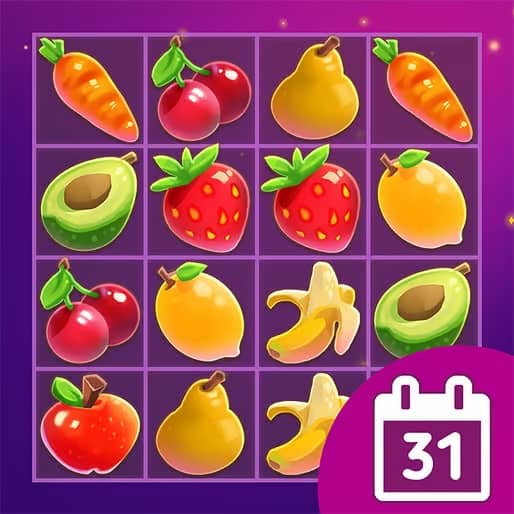
Onet Master is a pair-connecting puzzle. Select matching pictures and clear a route between them to remove both tiles.

Plays
0
Views
0

Play Onet Master in Your Browser

Play Onet Master online free in your browser. Match identical tiles, connect pairs with up to two turns, and clear the board. No download required.

Open game page
Play Onet Master in Your BrowserLoading game player…
Controls

Check the player controls for key mappings. Save and restore support depends on the game and player; reloading may lose unsaved progress.

When Play Now appears: 1. Select Play Now. 2. Select Start inside the game player.

Browse games

Related Games

Overview

In the standard Onet Master rules, a pair must connect through empty space using at most three straight segments: that means no more than two turns. This differs from the exposed-left-or-right-edge rule used in Mahjong solitaire.

Check the instructions in the loaded game for its timer and available hints. Similarly named mobile apps can use different rules; this page is the browser tile-matching entry.

How to Play

Select a tile, then select another with the same picture. Look for a clear connecting path with no more than two corners.

If a pair is rejected, inspect the route for a blocking tile or an extra turn. Try a different pair to open more space.

Repeat until the board is empty. If the current level provides a timer or hint button, check those before committing to a long search.

Game references

Browser controls and troubleshooting

If the keyboard does not respond, click the game screen first and check the actual key mappings in the player controls. Arrow keys scrolling the page can mean the game does not have input focus.

On a phone, check whether the player provides touch buttons. Try landscape or fullscreen if the controls are too small. After connecting a gamepad, press a button with the game focused and check whether the player recognizes it.

For a black screen or a stalled load, wait briefly before using Reload player or Browse games in the embedded player or play page. Reloading restarts the player and may lose unsaved progress. If no save option is available, do not rely on refreshing to preserve progress.

Related guide

Learn how browser controls, compatibility, and local saves can vary between web games.

Read: Browser Retro Gaming Guide

Explore related online games

FAQ

How do pairs connect in Onet Master?

A matching pair needs a clear path through empty space with at most three straight segments. That means the path can turn no more than twice.

Why does an identical pair not clear?

Another tile may block the path, or the route may need more than two turns. Remove a different available pair to create more space.

Is Onet Master the same as Mahjong solitaire?

No. Onet uses a path between matching tiles; Mahjong solitaire uses exposed tile positions. Similar-looking versions may also differ in timers and hints.