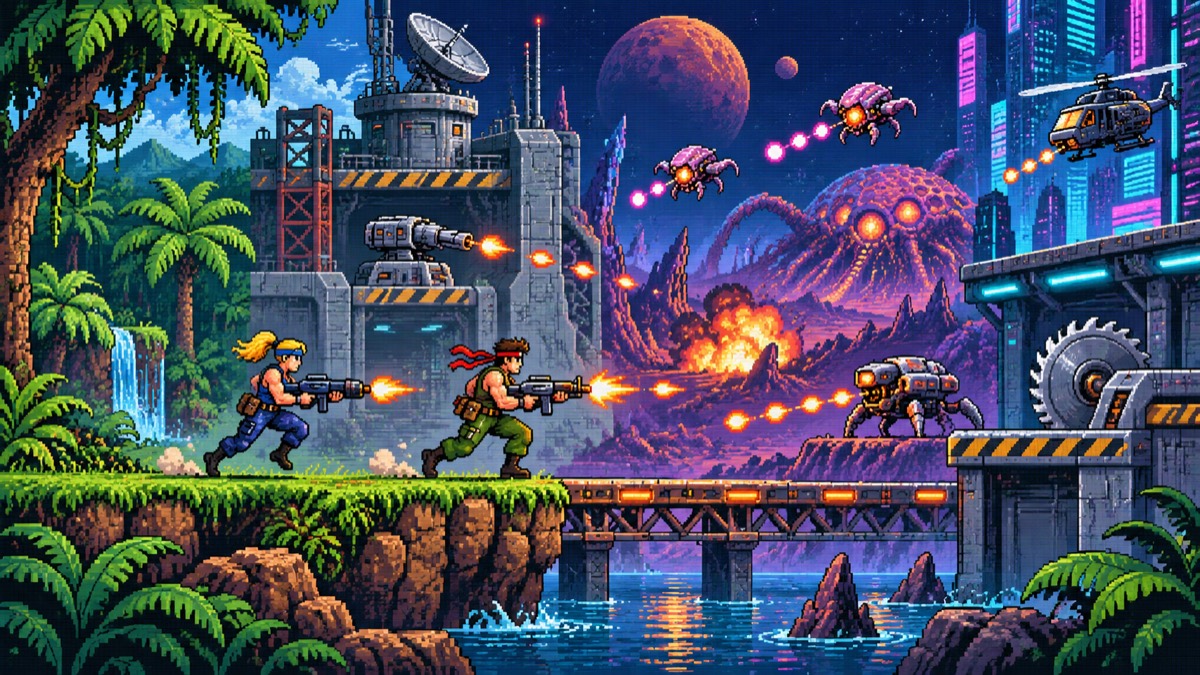
Three Wonders
Playable in browserNo download requiredArcadePOKOPIE reviewed · Nov 1, 2026

Languages:English

Play Three Wonders Online

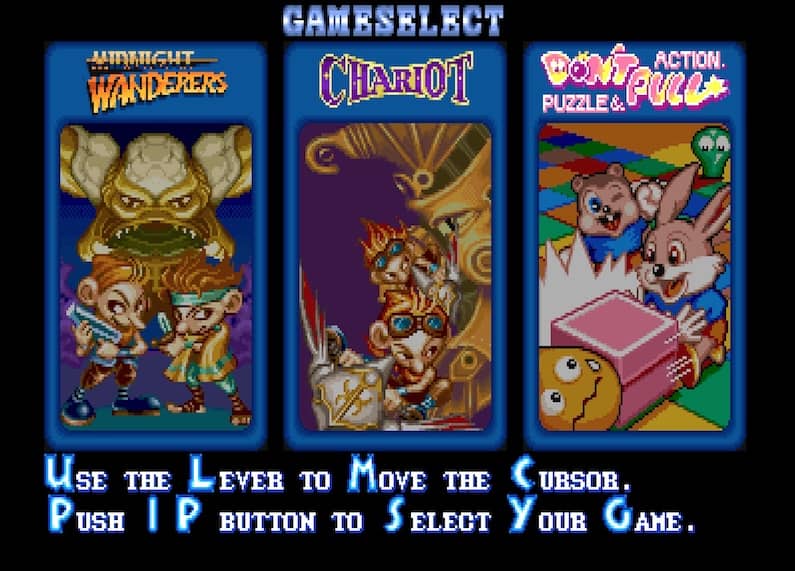
Three Wonders is Capcom’s three-game arcade collection: Midnight Wanderers, Chariot and Don’t Pull.

Plays
0
Views
0

Play Three Wonders in Your Browser

Explore Three Wonders in your browser: Midnight Wanderers, Chariot and Don’t Pull. Read the arcade controls and choose an action, shooter or puzzle game.

Open game page
Play Three Wonders in Your BrowserLoading game player…
Controls

Check the player controls for key mappings. Save and restore support depends on the game and player; reloading may lose unsaved progress.

When Play Now appears: 1. Select Play Now. 2. Select Start inside the game player.

Browse games

Related Games

Overview

Midnight Wanderers is the action-platform adventure. Chariot is the scrolling flying shooter. Don’t Pull is the block-pushing puzzle game. Choose the mode you want from the game’s selection screen.

Looking for Midnight Wanderers? It is part of Three Wonders, so you do not need a separate page to identify the collection. This page provides a browser player, not a downloadable game installer.

Capcom’s collection manual lists support for one or two cooperative players. Browser multiplayer still depends on the loaded player and its available local controls; this page does not promise online matchmaking.

How to Play

Check the arcade player’s credit, start and action mappings, then choose one of the three games.

In Midnight Wanderers, use movement, jumping and attacks to progress. In Chariot, steer through the flying stages and avoid incoming attacks.

In Don’t Pull, plan how to push blocks against enemies. Check the controls again when switching modes, since each game uses a different style of play.

Game references

Editorial review status

This game guide was editorially reviewed on . Browser player availability, exact controls, save support, and device compatibility can change after this content review.

Browser controls and troubleshooting

If the keyboard does not respond, click the game screen first and check the actual key mappings in the player controls. Arrow keys scrolling the page can mean the game does not have input focus.

On a phone, check whether the player provides touch buttons. Try landscape or fullscreen if the controls are too small. After connecting a gamepad, press a button with the game focused and check whether the player recognizes it.

For a black screen or a stalled load, wait briefly before using Reload player or Browse games in the embedded player or play page. Reloading restarts the player and may lose unsaved progress. If no save option is available, do not rely on refreshing to preserve progress.

Related guide

Check keyboard and gamepad setup before starting an arcade action, fighting, or shooting game.

Read: Retro Game Controller Guide

Playing ROMs in a browser

Review controls, save methods, browser storage and platform limitations before starting a long session.

Read the browser ROM guide

Explore related online games

FAQ

Which games are included in Three Wonders?

The collection contains Midnight Wanderers, the action-platform game; Chariot, the flying shooter; and Don’t Pull, the block-pushing puzzle game.

Is Midnight Wanderers a separate game?

Midnight Wanderers is one of the three games in Three Wonders. Select it from the collection’s game menu.

Does Three Wonders have online multiplayer?

This page does not promise online multiplayer. Check the current player controls and options before assuming a second controller or multiplayer mode is available.