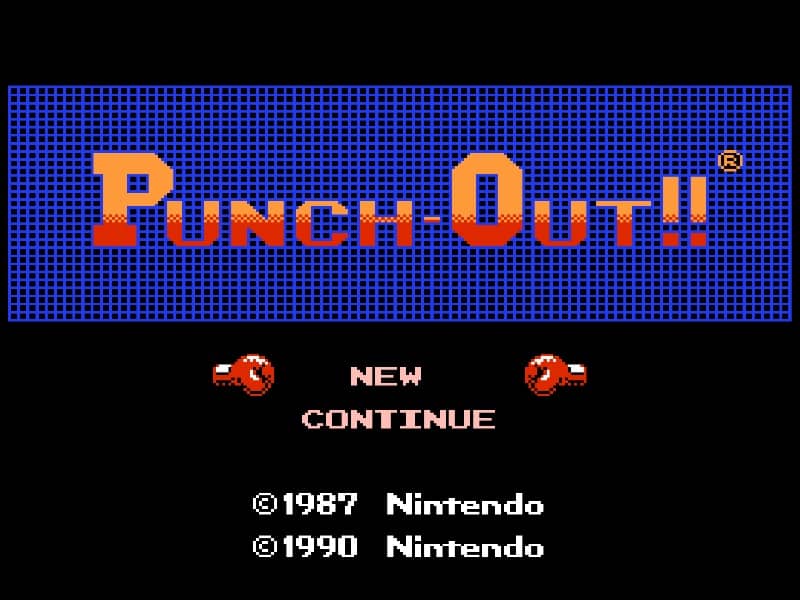
Punch-Out!!

Overview

A classic boxing game where a young underdog named Little Mac fights his way through the World Video Boxing Association ranks to face the ultimate world champion.

Released in 1987 for Famicom and developed by NINTENDO R&D3, Punch-Out!! is built around its original console experience. It is part of the Action genres.

You can launch Punch-Out!! directly in your browser without downloading a separate game client. Read the guide below before playing, then adjust the keyboard or controller settings for your device.

Playable in browserNo download requiredFamicom

Languages:English

Punch-Out!!

A classic boxing game where a young underdog named Little Mac fights his way through the World Video Boxing Association ranks to face the ultimate world champion.

Play Now

Opens the game player in a new browser tab.

Plays
18
Views
129

Related Games

How to Play

Players control Little Mac from a behind-the-back perspective, facing off against larger opponents in a series of three-round matches. The primary goal is to deplete the opponent's health bar or achieve a knockout by reading their specific animation cues and patterns. You can perform left and right body blows, or aim for the head by holding up while punching. Defensive maneuvers are essential: use left or right movements to dodge incoming strikes, or press down to block. Successful counter-punches often reward you with a Star, which allows you to execute a powerful Star Punch for massive damage.

Effective stamina management is the key to victory. Every time a punch is blocked or you are hit, you lose Hearts; if your Heart count reaches zero, Little Mac turns pink and becomes unable to attack until he successfully dodges an opponent's move. In the early stages, focus on learning the basic telegraphs of fighters. As you progress into the Major and World Circuits, opponents become faster and employ feints. Tense matches require waiting for the exact frame an opponent flashes yellow or winks to land a counter, earning the Stars needed to end the fight before the clock runs out.

Browser controls and troubleshooting

If the keyboard does not respond, click the game screen first and check the actual key mappings in the player controls. Arrow keys scrolling the page can mean the game does not have input focus.

On a phone, check whether the player provides touch buttons. Try landscape or fullscreen if the controls are too small. After connecting a gamepad, press a button with the game focused and check whether the player recognizes it.

For a black screen or a stalled load, wait briefly before using Reload player or Browse games in the embedded player or play page. Reloading restarts the player and may lose unsaved progress. If no save option is available, do not rely on refreshing to preserve progress.

Related guide

Compare the two libraries, their controller layouts, and the kinds of sessions they suit.

Read: NES vs SNES Games

Playing ROMs in a browser

Review controls, save methods, browser storage and platform limitations before starting a long session.

Read the browser ROM guide

FAQ

Can I play Punch-Out!! online?

Yes. You can play Punch-Out!! directly in your browser. Open the game page and click play to start without setting up an emulator first.

Do I need to download anything to play Punch-Out!!?

No. Punch-Out!! is available as a no-download browser game, so you can start playing without installing extra software or downloading files.

What platform or genre is Punch-Out!!?

Punch-Out!! is a Famicom game in the Action category. You can use the platform, genre, and related games sections to find similar titles.

What devices can run Punch-Out!!?

Mobile compatibility and touch controls depend on the game and player. Check the controls shown after Punch-Out!! starts.

Who developed Punch-Out!!?

Punch-Out!! is listed with developer information for NINTENDO R&D3. You can also browse related games from the same developer or genre.