Verified browser game

Quake Online

LibreQuake is a free Quake-engine campaign with original maps, monsters, textures, sounds, and music. The verified browser build runs with the FTEQW WebAssembly engine on Quake.zone.

Open LibreQuake on Quake.zone Opens the creator-hosted game in a new tab
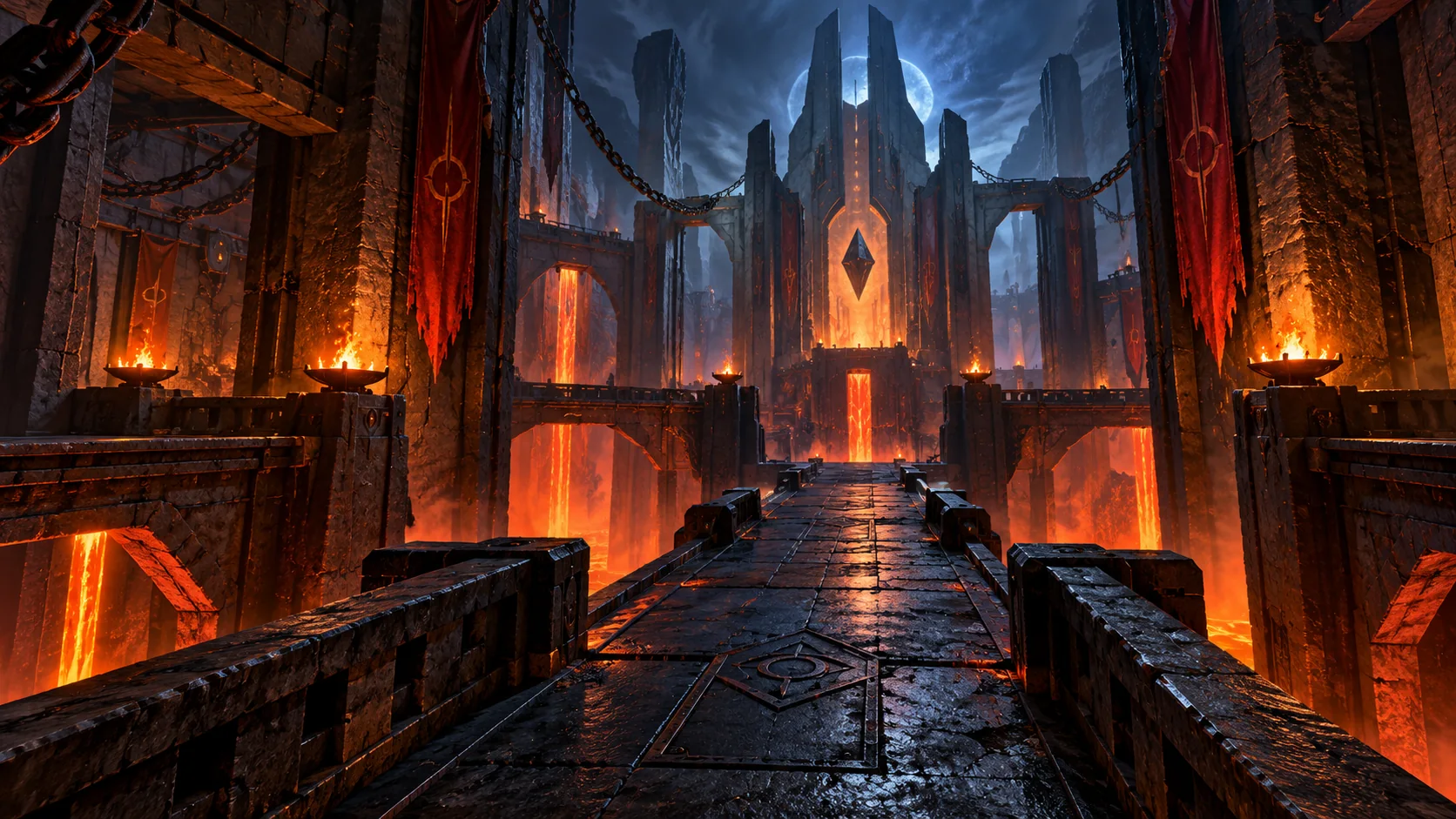
Original dark stone arena artwork for Quake Online
Original POKOPIE artwork · Gameplay opens on the creator site

How to play

These steps describe the LibreQuake campaign running in the linked FTEQW browser build, not the commercial Quake data files.

  1. 1

    Open the LibreQuake player and wait for the WebAssembly engine and game data to finish loading. Click inside the game view when prompted so the browser can capture your mouse.

  2. 2

    Start the single-player campaign from the in-game menu. Each level is an enclosed combat map: explore its rooms, survive enemy encounters, and locate the route to the exit.

  3. 3

    Move with WASD and aim with the mouse. Left click fires and Space jumps. Keep moving during fights—the campaign uses fast projectiles and close-range enemies rather than cover-based combat.

  4. 4

    Pick up health, armor, ammunition, and weapons as you explore. Number keys 1–8 select available weapons; a weapon cannot be used when its required ammunition is empty.

  5. 5

    Look for doors, floor buttons, wall switches, lifts, and teleporters when the route appears blocked. Colored keys open their matching locked doors and let you continue through the level.

  6. 6

    Press P to open the FTEQW game menu. Press Esc when you need to release the captured mouse, and click the game view again before resuming keyboard-and-mouse play.

Hosting and rights note

LibreQuake v0.09-beta identifies its assets as BSD-3-Clause and game code as GPL-2.0; FTEQW is GPL-2.0. POKOPIE links to the hosted build and does not redistribute its files.

Quake Online FAQ

Is this the original commercial Quake game?

No. The recommended external build is LibreQuake, a free replacement campaign for a Quake-compatible engine. POKOPIE does not host the original commercial game files.

Does Quake Online require a download?

No installer is required, but the external player downloads about 75 MiB of game data in the browser before the first launch.

Why does the game open on another website?

Quake.zone only allows its player to be framed by its own origin. POKOPIE links to the verified official player instead of bypassing that restriction.