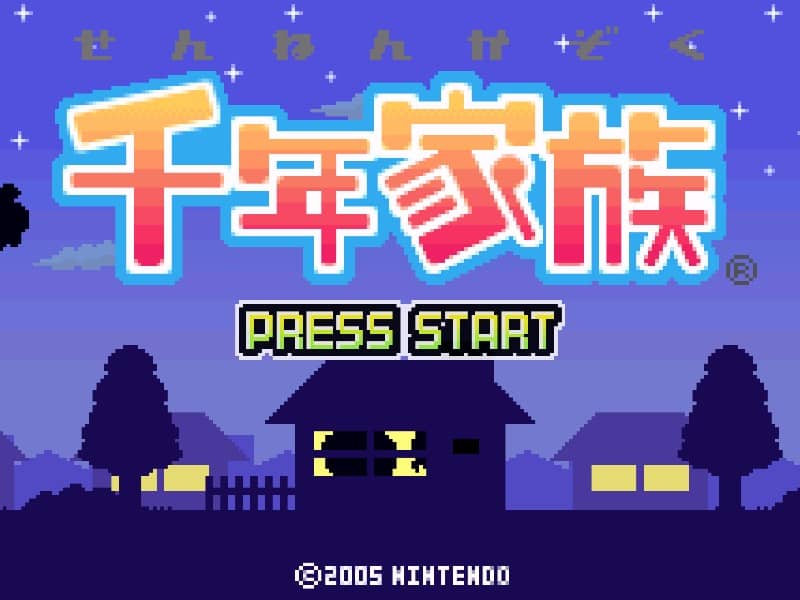
千年家族

Overview

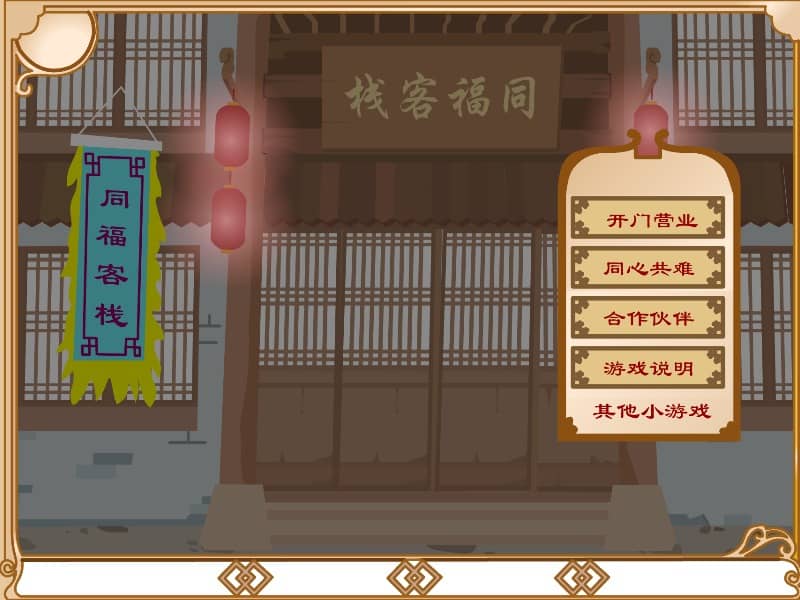
A unique life simulation game for the Game Boy Advance where players manage a family lineage across a thousand years, making decisions that affect the evolution and prosperity of their descendants.

Released in 2002 for Game Boy Advance and developed by MAXFIVE, 千年家族 is built around its original console experience. It is part of the Simulation genres.

You can launch 千年家族 directly in your browser without downloading a separate game client. Read the guide below before playing, then adjust the keyboard or controller settings for your device.
Playable in browserNo download requiredGame Boy Advance

Languages:简体中文

千年家族

A unique life simulation game for the Game Boy Advance where players manage a family lineage across a thousand years, making decisions that affect the evolution and prosperity of their descendants.

Play Now

Opens the game player in a new browser tab.

Plays
77
Views
190

Related Games

How to Play

In this life simulation, your primary objective is to guide your family through generations by making strategic decisions regarding marriage, career paths, and lifestyle choices. Players interact with a menu-driven interface to manage family members, monitor their health and happiness, and ensure the continuation of the bloodline. You must carefully balance the needs of individual family members with the long-term goals of the lineage, as each choice influences the genetic and social traits passed down to future generations.

To succeed, focus on nurturing strong family bonds and accumulating resources in the early game to provide a stable foundation for your descendants. As the simulation progresses, pay close attention to the specific talents of your family members and assign them roles that maximize their potential. During tense moments, such as times of crisis or illness, prioritize the survival of key members to prevent your lineage from dying out. Mastering the timing of generational transitions is the key to thriving across the thousand-year span.

Browser controls and troubleshooting

If the keyboard does not respond, click the game screen first and check the actual key mappings in the player controls. Arrow keys scrolling the page can mean the game does not have input focus.

On a phone, check whether the player provides touch buttons. Try landscape or fullscreen if the controls are too small. After connecting a gamepad, press a button with the game focused and check whether the player recognizes it.

For a black screen or a stalled load, wait briefly before using Reload player or Browse games in the embedded player or play page. Reloading restarts the player and may lose unsaved progress. If no save option is available, do not rely on refreshing to preserve progress.

Related guide

Understand the difference between in-game saves, save states, and browser storage.

Read: How Browser Game Saves Work

Playing ROMs in a browser

Review controls, save methods, browser storage and platform limitations before starting a long session.

Read the browser ROM guide

FAQ

Can I play 千年家族 online?

Yes. You can play 千年家族 directly in your browser. Open the game page and click play to start without setting up an emulator first.

Do I need to download anything to play 千年家族?

No. 千年家族 is available as a no-download browser game, so you can start playing without installing extra software or downloading files.

What platform or genre is 千年家族?

千年家族 is a Game Boy Advance game in the Simulation category. You can use the platform, genre, and related games sections to find similar titles.

What devices can run 千年家族?

Mobile compatibility and touch controls depend on the game and player. Check the controls shown after 千年家族 starts.

Who developed 千年家族?

千年家族 is listed with developer information for MAXFIVE. You can also browse related games from the same developer or genre.