The Sims - Bustin Out

Overview

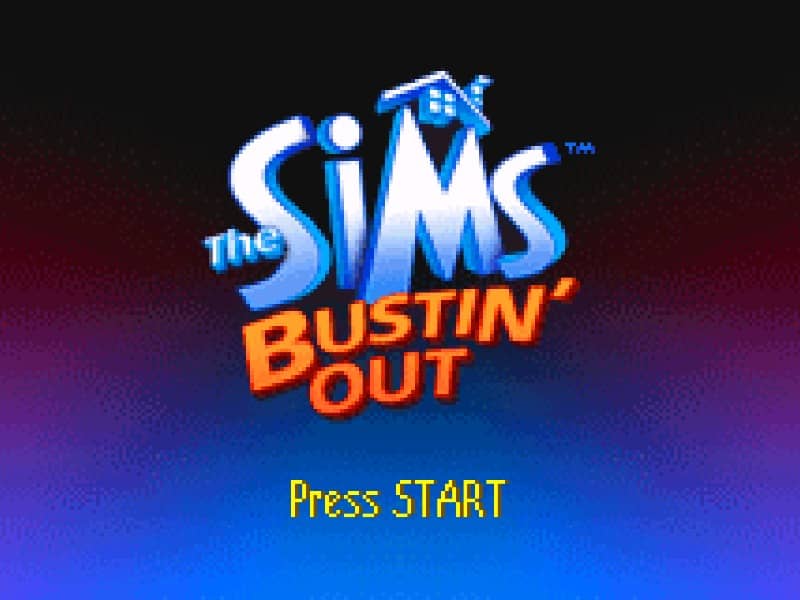
A story-driven life simulation RPG for the Game Boy Advance where players move to SimValley to complete missions, manage motives, and stop the land-grabbing schemes of Malcolm Landgrabb.

Released in 2003 for Game Boy Advance and developed by GRIPTONITE GAMES, The Sims - Bustin Out is built around its original console experience. It is part of the Simulation genres.

You can launch The Sims - Bustin Out directly in your browser without downloading a separate game client. Read the guide below before playing, then adjust the keyboard or controller settings for your device.

Playable in browserNo download requiredGame Boy Advance

Languages:English / Français / Deutsch / Español / Italiano

The Sims - Bustin Out

A story-driven life simulation RPG for the Game Boy Advance where players move to SimValley to complete missions, manage motives, and stop the land-grabbing schemes of Malcolm Landgrabb.

Play Now

Opens the game player in a new browser tab.

Plays
37
Views
140

Related Games

How to Play

In this handheld adventure, you must manage your Sim's daily motives—such as Hunger, Energy, Social, and Hygiene—while completing specific missions assigned by the residents of SimValley. Use the D-pad to navigate the town and the A button to interact with objects, talk to NPCs, or start activities. Your primary goal is to progress through the story by fulfilling goals, which often involve building relationships or reaching specific skill levels through practice. To earn money, known as Simoleons, you must participate in various mini-game jobs found throughout the world, which increase in difficulty and payout as you get promoted.

Efficiency is key in the early game; always ensure your motives are in the green before heading out to work or starting a new mission, as low motives will cause your Sim to pass out or have tantrums. Focus on upgrading your home with better appliances and beds to replenish your needs more quickly, allowing more time for exploration. Pay close attention to the mission log to track your current objectives and explore every building to find hidden items or new job opportunities. Use social interactions wisely to build friendships, which are often required to unlock new areas of the map and progress the narrative.

Browser controls and troubleshooting

If the keyboard does not respond, click the game screen first and check the actual key mappings in the player controls. Arrow keys scrolling the page can mean the game does not have input focus.

On a phone, check whether the player provides touch buttons. Try landscape or fullscreen if the controls are too small. After connecting a gamepad, press a button with the game focused and check whether the player recognizes it.

For a black screen or a stalled load, wait briefly before using Reload player or Browse games in the embedded player or play page. Reloading restarts the player and may lose unsaved progress. If no save option is available, do not rely on refreshing to preserve progress.

Related guide

Understand the difference between in-game saves, save states, and browser storage.

Read: How Browser Game Saves Work

Playing ROMs in a browser

Review controls, save methods, browser storage and platform limitations before starting a long session.

Read the browser ROM guide

FAQ

Can I play The Sims - Bustin Out online?

Yes. You can play The Sims - Bustin Out directly in your browser. Open the game page and click play to start without setting up an emulator first.

Do I need to download anything to play The Sims - Bustin Out?

No. The Sims - Bustin Out is available as a no-download browser game, so you can start playing without installing extra software or downloading files.

What platform or genre is The Sims - Bustin Out?

The Sims - Bustin Out is a Game Boy Advance game in the Simulation category. You can use the platform, genre, and related games sections to find similar titles.

What devices can run The Sims - Bustin Out?

Mobile compatibility and touch controls depend on the game and player. Check the controls shown after The Sims - Bustin Out starts.

Who developed The Sims - Bustin Out?

The Sims - Bustin Out is listed with developer information for GRIPTONITE GAMES. You can also browse related games from the same developer or genre.