Retro
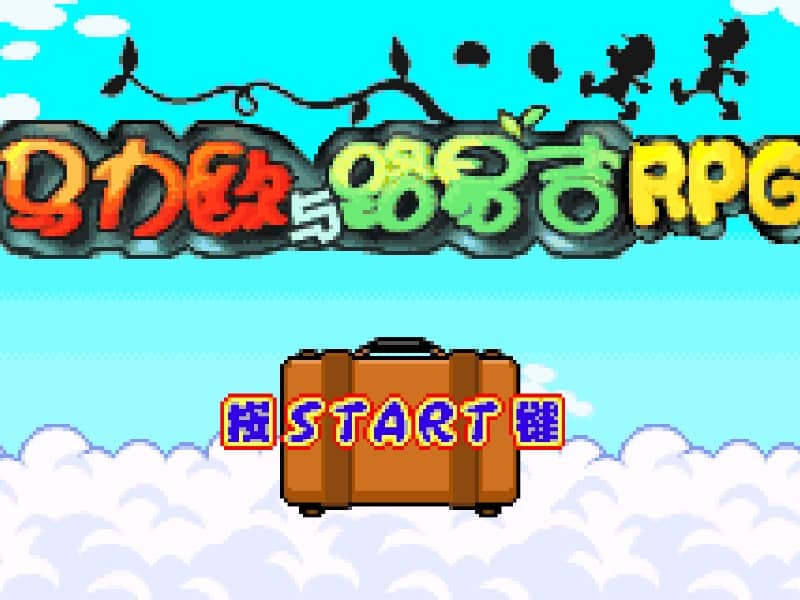
Mario & Luigi: Superstar Saga
Playable in browserNo download requiredGame Boy Advance

Languages:简体中文

Play Mario & Luigi: Superstar Saga Online

Mario & Luigi: Superstar Saga is a Game Boy Advance action RPG set in the Beanbean Kingdom. Control both brothers to solve puzzles and recover Princess Peach’s stolen voice.

Plays
41
Views
147

Play Mario & Luigi: Superstar Saga in Your Browser

Play Mario & Luigi: Superstar Saga online. Explore the Beanbean Kingdom, solve Bros. puzzles and use timed attacks in this Game Boy Advance RPG.

Open game page
Play Mario & Luigi: Superstar Saga in Your BrowserLoading game player…
Controls

Check the player controls for key mappings. Save and restore support depends on the game and player; reloading may lose unsaved progress.

When Play Now appears: 1. Select Play Now. 2. Select Start inside the game player.

Browse games

Related Games

Overview

Mario and Luigi travel beyond the Mushroom Kingdom after Cackletta and Fawful steal Peach’s voice. Exploration uses each brother’s movement abilities, while environmental puzzles often require them to act in sequence.

Battles mix menu-based RPG commands with timed button presses. Accurate timing can strengthen attacks or help the brothers avoid damage, and Bros. techniques combine their abilities for stronger results.

How to Play

Check the browser player’s GBA button mapping before starting. Pay attention to which button controls Mario and which controls Luigi during exploration and timed actions.

Watch enemy movement and press the indicated brother’s button at the right moment to defend. Practice basic timing before spending Bros. Points on advanced techniques.

Use each brother’s field abilities to cross obstacles and solve puzzles. If a route appears blocked, check whether the brothers need to separate, jump in sequence or use a newly learned move.

Game references

Browser controls and troubleshooting

If the keyboard does not respond, click the game screen first and check the actual key mappings in the player controls. Arrow keys scrolling the page can mean the game does not have input focus.

On a phone, check whether the player provides touch buttons. Try landscape or fullscreen if the controls are too small. After connecting a gamepad, press a button with the game focused and check whether the player recognizes it.

For a black screen or a stalled load, wait briefly before using Reload player or Browse games in the embedded player or play page. Reloading restarts the player and may lose unsaved progress. If no save option is available, do not rely on refreshing to preserve progress.

Related guide

Understand the difference between in-game saves, save states, and browser storage.

Read: How Browser Game Saves Work

Playing ROMs in a browser

Review controls, save methods, browser storage and platform limitations before starting a long session.

Read the browser ROM guide

FAQ

Where does Superstar Saga take place?

Most of the adventure takes place in the Beanbean Kingdom, beyond the Mushroom Kingdom.

Is combat turn-based?

Commands are selected like a turn-based RPG, but timed button presses affect attacks and defense.

Does this browser version support the original link features?

Do not assume it does. Nintendo notes that some rereleases omit the original Game Boy Advance communication features, and browser-player support depends on the emulator.