

Pokémon FireRed
Playable in browserNo download requiredGame Boy Advance

Languages:简体中文

Play Pokémon FireRed Online

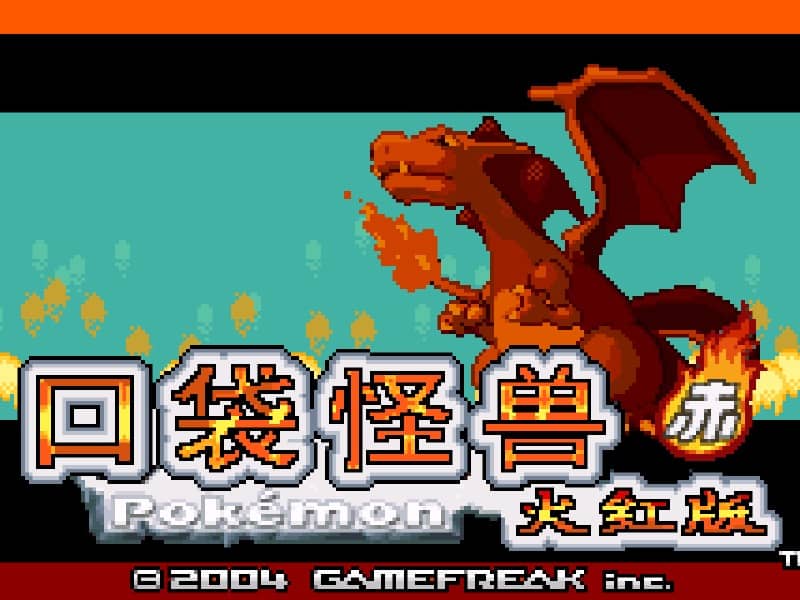
Pokémon FireRed is a 2004 Game Boy Advance remake of the original Pokémon Red adventure. Explore Kanto, build a team, earn eight Gym Badges and confront Team Rocket.

Plays
207
Views
503

Play Pokémon FireRed in Your Browser

Play Pokémon FireRed online. Explore Kanto, choose a starter, collect eight Gym Badges and learn which original GBA link features may not work in a browser.

Open game page
Play Pokémon FireRed in Your BrowserLoading game player…
Controls

Check the player controls for key mappings. Save and restore support depends on the game and player; reloading may lose unsaved progress.

When Play Now appears: 1. Select Play Now. 2. Select Start inside the game player.

Browse games

Related Games

Overview

The journey starts in Pallet Town with Bulbasaur, Charmander or Squirtle. FireRed retains the Kanto structure while using Game Boy Advance-era systems such as abilities, natures, held items and updated battle presentation.

FireRed and LeafGreen have different normally available Pokémon. The original cartridge also used link hardware for trading and battles; those connectivity features should not be assumed to work in this browser player.

How to Play

Check the browser player’s GBA controls, then choose a starter and explore each route carefully. Talk to characters, collect useful items and heal at Pokémon Centers before long areas.

Train a varied party instead of relying only on the starter. Type matchups, status effects and held items can make Gym and rival battles easier to manage.

Save before major battles or difficult captures. If completing the Pokédex matters to you, remember that some Pokémon normally require trading or another version, which may not be available here.

Game references

Browser controls and troubleshooting

If the keyboard does not respond, click the game screen first and check the actual key mappings in the player controls. Arrow keys scrolling the page can mean the game does not have input focus.

On a phone, check whether the player provides touch buttons. Try landscape or fullscreen if the controls are too small. After connecting a gamepad, press a button with the game focused and check whether the player recognizes it.

For a black screen or a stalled load, wait briefly before using Reload player or Browse games in the embedded player or play page. Reloading restarts the player and may lose unsaved progress. If no save option is available, do not rely on refreshing to preserve progress.

Related guide

Understand the difference between in-game saves, save states, and browser storage.

Read: How Browser Game Saves Work

Playing ROMs in a browser

Review controls, save methods, browser storage and platform limitations before starting a long session.

Read the browser ROM guide

FAQ

Is Pokémon FireRed a remake?

Yes. It is a 2004 Game Boy Advance remake of Pokémon Red, with updated graphics and mechanics from the GBA era.

Which region is in Pokémon FireRed?

The main adventure takes place in Kanto, followed by additional areas including the Sevii Islands.

Can I trade Pokémon in the browser version?

Do not assume so. The original game used Game Boy Advance link features, while browser connectivity depends on the current emulator.