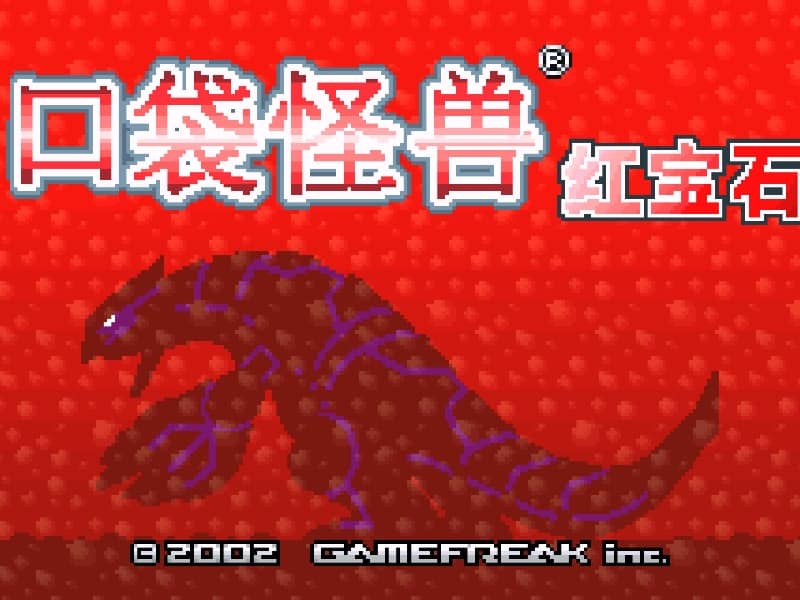
Pokémon Ruby
Playable in browserNo download requiredGame Boy Advance

Languages:简体中文

Play Pokémon Ruby Online

Pokémon Ruby is a Game Boy Advance RPG set in Hoenn. Build a team, earn eight Gym Badges and challenge the Pokémon League while opposing Team Magma.

Plays
109
Views
283

Play Pokémon Ruby in Your Browser

Play Pokémon Ruby online in your browser. Explore Hoenn, choose Treecko, Torchic or Mudkip, earn Gym Badges and challenge Team Magma.

Open game page
Play Pokémon Ruby in Your BrowserLoading game player…
Controls

Check the player controls for key mappings. Save and restore support depends on the game and player; reloading may lose unsaved progress.

When Play Now appears: 1. Select Play Now. 2. Select Start inside the game player.

Browse games

Related Games

Overview

Choose Treecko, Torchic or Mudkip, then travel through Hoenn’s towns, routes, caves and waterways. Wild Pokémon can be caught and trained, while battles against other Trainers provide experience and prize money.

Ruby introduced Double Battles, Pokémon Contests and Pokéblocks alongside the main Gym challenge. It differs from Pokémon Sapphire in its version-exclusive Pokémon and Team Magma storyline.

How to Play

Check the browser player’s current GBA key mapping before starting. Use the directional controls to explore, the primary action button to talk or confirm, and the secondary button to cancel or return.

Choose a starter whose strengths fit your preferred approach. Keep several Pokémon with different types instead of relying on one over-levelled team member.

Explore side paths for items, heal at Pokémon Centers and save before major battles. The original cartridge’s trading and multiplayer features should not be assumed to work in the browser player.

Game references

Browser controls and troubleshooting

If the keyboard does not respond, click the game screen first and check the actual key mappings in the player controls. Arrow keys scrolling the page can mean the game does not have input focus.

On a phone, check whether the player provides touch buttons. Try landscape or fullscreen if the controls are too small. After connecting a gamepad, press a button with the game focused and check whether the player recognizes it.

For a black screen or a stalled load, wait briefly before using Reload player or Browse games in the embedded player or play page. Reloading restarts the player and may lose unsaved progress. If no save option is available, do not rely on refreshing to preserve progress.

Related guide

Understand the difference between in-game saves, save states, and browser storage.

Read: How Browser Game Saves Work

Playing ROMs in a browser

Review controls, save methods, browser storage and platform limitations before starting a long session.

Read the browser ROM guide

FAQ

Where does Pokémon Ruby take place?

Pokémon Ruby is set in Hoenn, a region of cities, caves, lakes, sea routes and hidden areas.

Which starter Pokémon can I choose in Ruby?

The three starters are Treecko, Torchic and Mudkip.

What is different between Pokémon Ruby and Sapphire?

Ruby focuses on Team Magma and has its own version-exclusive Pokémon. Sapphire instead features Team Aqua and a different set of exclusives.