

Pokémon Team Rocket — Unofficial ROM Hack
Playable in browserNo download requiredGame Boy Advance

Languages:简体中文

Play Pokémon Team Rocket — Unofficial ROM Hack

This catalog entry is an unofficial Pokémon ROM hack built around Team Rocket. It is not an official Game Freak release, and the current record does not identify the exact hack version reliably.

Plays
116
Views
402

Play Pokémon Team Rocket — Unofficial ROM Hack in Your Browser

Play this unofficial Pokémon Team Rocket ROM hack online. Learn why its exact creator, base game and release year must be verified from the loaded version.

Open game page
Play Pokémon Team Rocket — Unofficial ROM Hack in Your BrowserLoading game player…
Controls

Check the player controls for key mappings. Save and restore support depends on the game and player; reloading may lose unsaved progress.

When Play Now appears: 1. Select Play Now. 2. Select Start inside the game player.

Browse games

Related Games

Overview

Several separate fan projects use the Pokémon Team Rocket name, including hacks built from different Pokémon games. The title alone is therefore not enough to assign this copy to a particular creator, story or base ROM.

The page deliberately leaves the developer and release year unassigned. Check the loaded game’s title screen, credits and version label before using a walkthrough, because a guide for another Team Rocket hack may describe different maps and mechanics.

How to Play

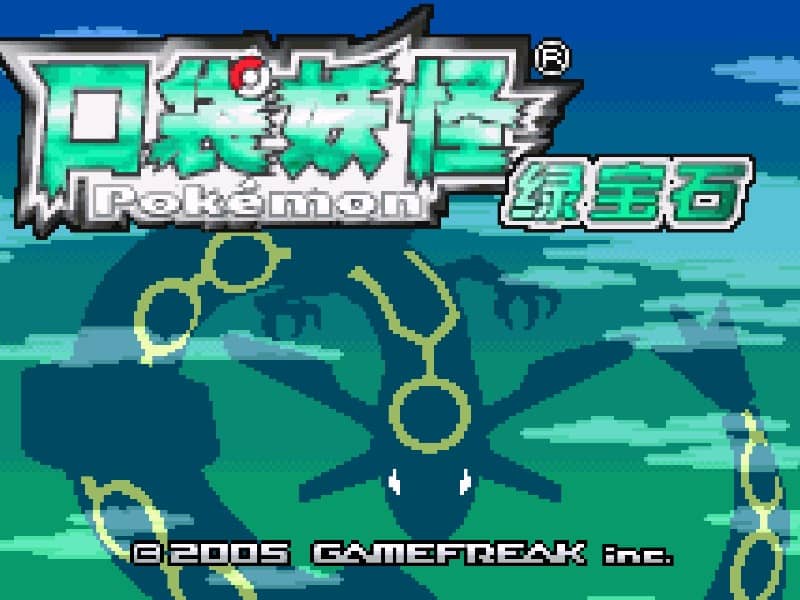
Open the player controls and confirm the mapped Game Boy Advance buttons. On the title or save screen, record any creator name, subtitle or version number shown by the loaded build.

Use the familiar Pokémon loop of exploration, conversations, party management and turn-based battles, but follow the objectives presented by this version instead of assuming it matches an official Pokémon storyline.

Keep more than one save and choose guides only after identifying the exact hack. Fan projects with similar names can use different base games, events and compatibility requirements.

Game references

Browser controls and troubleshooting

If the keyboard does not respond, click the game screen first and check the actual key mappings in the player controls. Arrow keys scrolling the page can mean the game does not have input focus.

On a phone, check whether the player provides touch buttons. Try landscape or fullscreen if the controls are too small. After connecting a gamepad, press a button with the game focused and check whether the player recognizes it.

For a black screen or a stalled load, wait briefly before using Reload player or Browse games in the embedded player or play page. Reloading restarts the player and may lose unsaved progress. If no save option is available, do not rely on refreshing to preserve progress.

Related guide

Understand the difference between in-game saves, save states, and browser storage.

Read: How Browser Game Saves Work

Playing ROMs in a browser

Review controls, save methods, browser storage and platform limitations before starting a long session.

Read the browser ROM guide

FAQ

Is Pokémon Team Rocket an official Pokémon game?

No. This catalog entry is an unofficial fan-made ROM hack and should not be attributed to Game Freak as a separate official release.

Who created this Pokémon Team Rocket hack?

The current catalog record does not identify the exact version reliably. Multiple unrelated fan projects use similar titles, so the loaded build’s title screen or credits are needed for a defensible attribution.

Which Pokémon game is this hack based on?

That cannot be confirmed from the catalog title alone. Team Rocket hacks exist for different base games; identify the version shown in the player before following a version-specific guide.