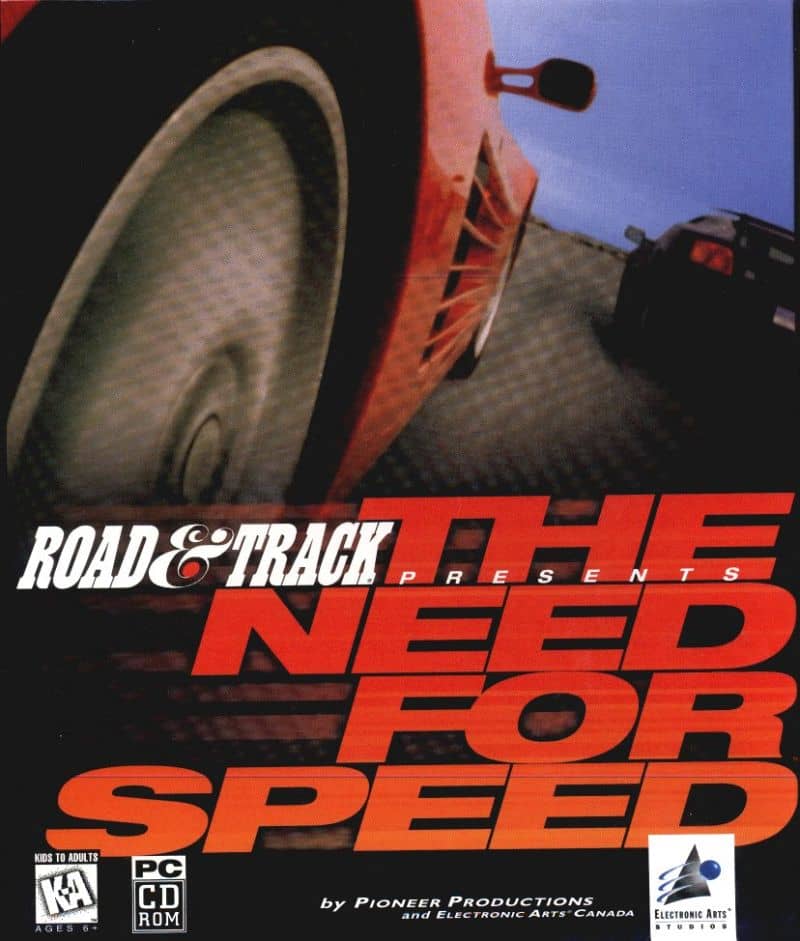
The Need For Speed

Overview

A pioneering 3D racing game that established the Need for Speed franchise, featuring exotic sports cars, realistic handling, and police pursuits.

Released in 1995 for DOS and developed by Electronic Arts, The Need For Speed is built around its original console experience. It is part of the Racing genres.

You can launch The Need For Speed directly in your browser without downloading a separate game client. Read the guide below before playing, then adjust the keyboard or controller settings for your device.

Playable in browserNo download requiredDOS

Languages:English

The Need For Speed

A pioneering 3D racing game that established the Need for Speed franchise, featuring exotic sports cars, realistic handling, and police pursuits.

Play Now

Opens the game player in a new browser tab.

Plays
182
Views
470

Related Games

How to Play

The core objective is to win races against AI opponents while avoiding traffic and evading police. You select from a roster of licensed sports cars, each with unique handling characteristics, and compete on point-to-point or circuit tracks.

Moment-to-moment play involves managing your speed through corners using brakes and the handbrake for sharp turns, drafting behind opponents to gain a speed boost, and using the rear-view mirror to monitor police activity. A useful beginner strategy is to start with the easier tracks and more stable cars to learn the physics.

The challenge rhythm involves balancing aggressive racing with caution, as crashes and police interventions slow you down significantly. In the early part of a race, focus on clean driving to build a lead.

During the middle, use drafting to conserve energy and plan overtakes. In tense moments, especially when police are chasing you, prioritize finding escape routes and using nitrous boosts strategically to create distance.

Browser controls and troubleshooting

If the keyboard does not respond, click the game screen first and check the actual key mappings in the player controls. Arrow keys scrolling the page can mean the game does not have input focus.

On a phone, check whether the player provides touch buttons. Try landscape or fullscreen if the controls are too small. After connecting a gamepad, press a button with the game focused and check whether the player recognizes it.

For a black screen or a stalled load, wait briefly before using Reload player or Browse games in the embedded player or play page. Reloading restarts the player and may lose unsaved progress. If no save option is available, do not rely on refreshing to preserve progress.

Playing ROMs in a browser

Review controls, save methods, browser storage and platform limitations before starting a long session.

Read the browser ROM guide

FAQ

Can I play The Need For Speed online?

Yes. You can play The Need For Speed directly in your browser. Open the game page and click play to start without setting up an emulator first.

Do I need to download anything to play The Need For Speed?

No. The Need For Speed is available as a no-download browser game, so you can start playing without installing extra software or downloading files.

What platform or genre is The Need For Speed?

The Need For Speed is a DOS game in the Racing category. You can use the platform, genre, and related games sections to find similar titles.

What devices can run The Need For Speed?

Mobile compatibility and touch controls depend on the game and player. Check the controls shown after The Need For Speed starts.

Who developed The Need For Speed?

The Need For Speed is listed with developer information for Electronic Arts. You can also browse related games from the same developer or genre.