Retro
Geometry Dash Advance
Playable in browserNo download requiredGame Boy Advance

Languages:English

Play Geometry Dash Advance Online

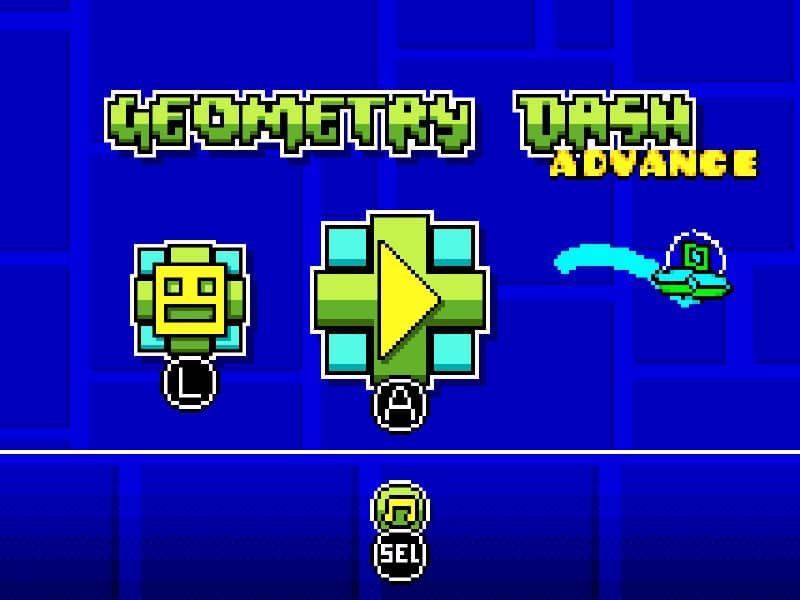
Geometry Dash Advance is AleFunky’s GBA demake of Geometry Dash. It adapts the obstacle-timing platform game to Game Boy Advance hardware.

Plays
976
Views
1404

Play Geometry Dash Advance in Your Browser

Play Geometry Dash Advance online in your browser. Explore AleFunky’s GBA demake, read the control and practice-mode guide, and learn how it differs from the mobile game.

Open game page
Play Geometry Dash Advance in Your BrowserLoading game player…
Controls

Controls and saves are available in the game player menu.

When Play Now appears: 1. Select Play Now. 2. Select Start inside the game player.

Browse games

Overview

Geometry Dash Advance is AleFunky’s GBA demake of Geometry Dash. It adapts the obstacle-timing platform game to Game Boy Advance hardware.

This is the community GBA project, rather than the commercial mobile or PC release. The developer maintains source code and releases separately; the build loaded by this player may not match the newest release.

Use the player below for browser play. For project information or developer releases, follow the original repository linked in the sources.


How to Play

Open the player controls and identify the mapped GBA buttons, including Start and Select, before choosing a level.

Time your actions around the approaching obstacles. Repeat short sections to learn their timing rather than changing several controls at once.

The supplied game notes describe practice mode through Start, then Select on the pause screen. Check the loaded build’s menu if those options differ.

Game references

Related guide

Understand the difference between in-game saves, save states, and browser storage.

Read: How Browser Game Saves Work

Explore related online games

Related Games

FAQ

Is Geometry Dash Advance an official Geometry Dash release?

No. It is AleFunky’s community GBA demake. The Game references section links to the original developer repository.

How do I start practice mode in Geometry Dash Advance?

The supplied notes describe opening the pause screen with Start, then selecting practice with Select. Check the loaded build’s menu, because controls can differ by version.

Does this browser build include every Geometry Dash feature?

Do not assume so. The browser player can use a different build from the project’s latest release; check the loaded game menu for available levels and options.