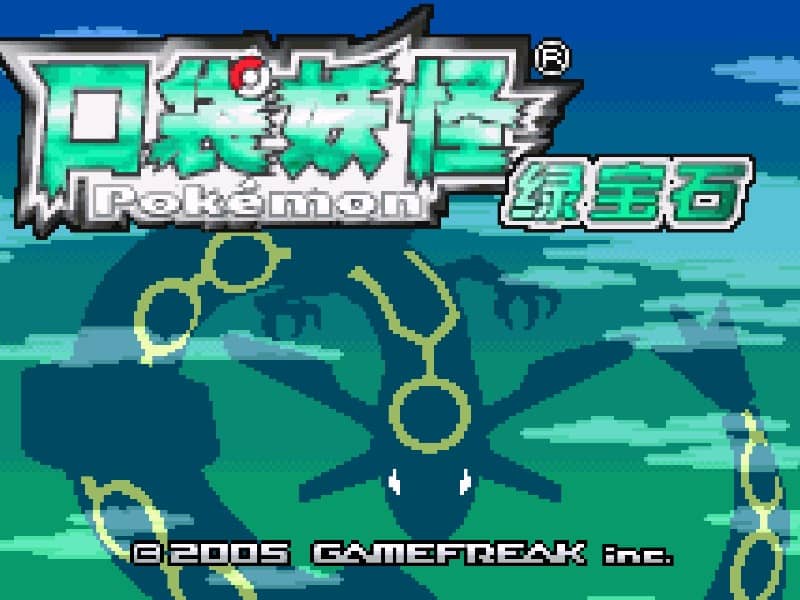


Pokémon LeafGreen
Playable in browserNo download requiredGame Boy Advance

Languages:English

Play Pokémon LeafGreen Online

Pokémon LeafGreen Version is a Game Boy Advance remake of the original Kanto adventure. Catch and train Pokémon, collect eight Gym Badges and challenge the Pokémon League.

Plays
0
Views
0

Play Pokémon LeafGreen in Your Browser

Play Pokémon LeafGreen online in your browser. Explore Kanto, collect Gym Badges, complete the Pokédex and confront Team Rocket.

Open game page
Play Pokémon LeafGreen in Your BrowserLoading game player…
Controls

Check the player controls for key mappings. Save and restore support depends on the game and player; reloading may lose unsaved progress.

When Play Now appears: 1. Select Play Now. 2. Select Start inside the game player.

Browse games

Related Games

Overview

The journey begins in Pallet Town with a choice of Bulbasaur, Charmander or Squirtle. From there, explore Kanto, complete the Pokédex and confront Team Rocket while preparing for the Elite Four.

LeafGreen updates the early Pokémon adventure with Game Boy Advance graphics and additional areas. It is paired with FireRed, and each version includes Pokémon that are not normally found in the other.

How to Play

Review the browser player’s GBA controls before leaving the title screen. Use the directional controls to move, the primary action button to confirm or interact, and the secondary button to cancel.

Catch Pokémon with different types and train more than your starter. Type advantages make Gym battles and longer routes easier to manage.

Talk to characters, inspect buildings and save before difficult battles. Trading, battling and Wireless Club features from the original hardware are not guaranteed in this browser player.

Game references

Browser controls and troubleshooting

If the keyboard does not respond, click the game screen first and check the actual key mappings in the player controls. Arrow keys scrolling the page can mean the game does not have input focus.

On a phone, check whether the player provides touch buttons. Try landscape or fullscreen if the controls are too small. After connecting a gamepad, press a button with the game focused and check whether the player recognizes it.

For a black screen or a stalled load, wait briefly before using Reload player or Browse games in the embedded player or play page. Reloading restarts the player and may lose unsaved progress. If no save option is available, do not rely on refreshing to preserve progress.

Related guide

Understand the difference between in-game saves, save states, and browser storage.

Read: How Browser Game Saves Work

Playing ROMs in a browser

Review controls, save methods, browser storage and platform limitations before starting a long session.

Read the browser ROM guide

FAQ

Is Pokémon LeafGreen a remake?

Yes. Nintendo describes LeafGreen as a Game Boy Advance remake of Pokémon Green Version, known as Pokémon Blue Version in Europe.

Which region is in Pokémon LeafGreen?

The main adventure takes place in Kanto and later opens additional areas.

Does browser play support trading?

Do not assume it does. The original game used Game Boy Advance connectivity, while browser-player networking depends on the current emulator implementation.